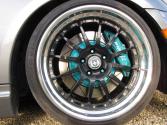
Rolling pic






1. click "Go Advanced" to post or reply
2. click the Attachment icon (paperclip with little downarrow)
3. choose your image file, upload and then close window (note there is a max file size)
4. click the Attachment icon again and select the file you want.
Done.
2. click the Attachment icon (paperclip with little downarrow)
3. choose your image file, upload and then close window (note there is a max file size)
4. click the Attachment icon again and select the file you want.
Done.
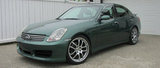

 (thats the only rolling pic i have...or want to have!)