Blue theme on NAV display - Revisited (UPDATED W/PICS)


Why do I bother to DIY???
iTrader: (3)
Joined: Jul 2004
Posts: 741
Likes: 1
From: SF Bay Area - Peninsula
That first screen, from the website/brochure, looks like the blue in the M45/35s when they first came out...not sure if they still look like that. Anyway, that screen probably was for marketing purposes.
The later screens don't look as blue as the original...so not sure if it is exactly the same.
ON_6MT...is your's a Canadian car? I noticed you used "colour" vs. "color".
The later screens don't look as blue as the original...so not sure if it is exactly the same.
ON_6MT...is your's a Canadian car? I noticed you used "colour" vs. "color".

OK, I just got back from the dealer after consulting with one of the service associates. At first, he said it's a color option but then I told him that neither the loaner nor mine would change colors under that option. I took him to my car and he tried changing it but to no avail.
So as it stands now if I had to guess, it may have something to do with the trim level/options - probably Journey/X with no premium package.
So as it stands now if I had to guess, it may have something to do with the trim level/options - probably Journey/X with no premium package.

Registered User
Joined: Aug 2007
Posts: 1,561
Likes: 1
From: CenCal
I have the Sports w/ no additional packages (premium,nav,tech etc) just sunroof and i have that option where i could change the background color to blue and white never really paid attention to it till now....

Originally Posted by blindS!de
I have the Sports w/ no additional packages (premium,nav,tech etc) just sunroof and i have that option where i could change the background color to blue and white never really paid attention to it till now....

I guess as soon as you move to the premium package you lose those options. Strange.
Originally Posted by blindS!de
I have the Sports w/ no additional packages (premium,nav,tech etc) just sunroof and i have that option where i could change the background color to blue and white never really paid attention to it till now....
Registered User
Joined: Aug 2007
Posts: 1,561
Likes: 1
From: CenCal
Originally Posted by SPEEED
Right, but can you change the blue to red?

Registered User
Joined: Feb 2007
Posts: 285
Likes: 0
From: Caguas, Puerto Rico
Originally Posted by SPEEED
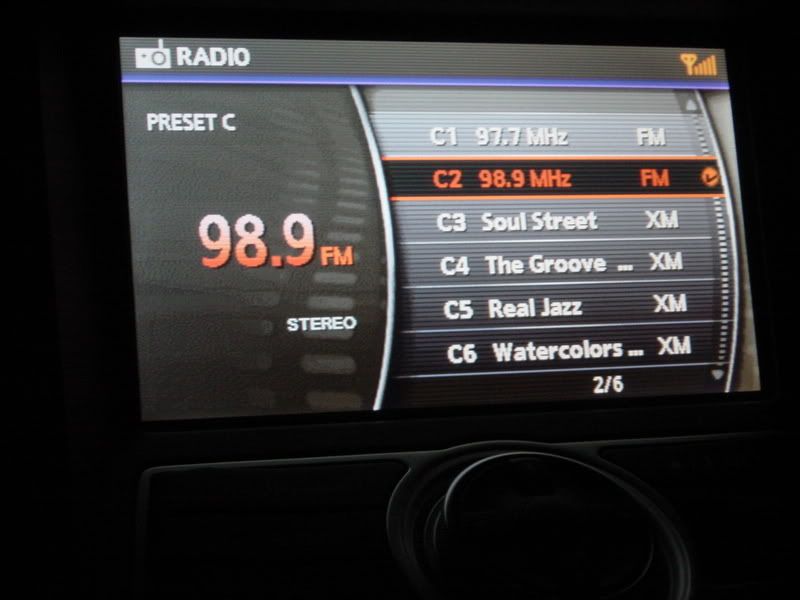
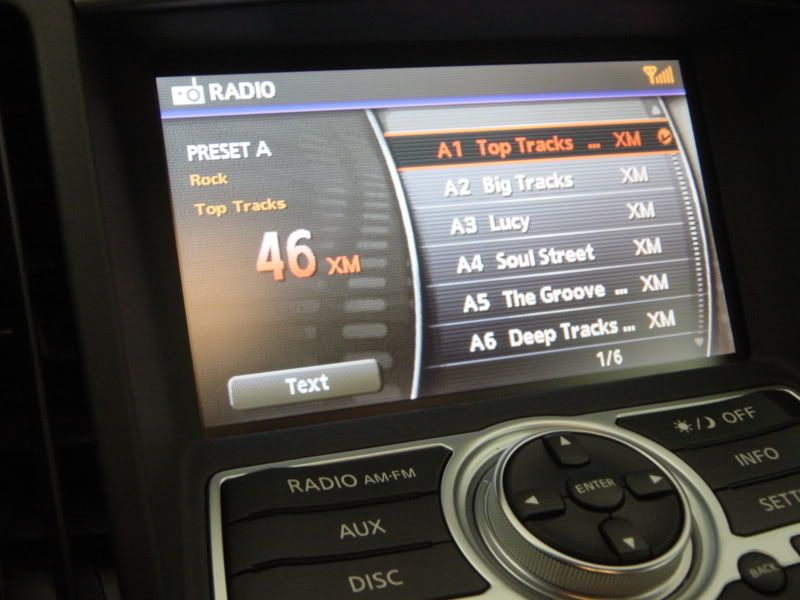
OK boys and gals, here they are . The main status screen shows it the best (1st pic). In other screens there is faded blue shade that didn't register correctly by my digicam (time for an upgrade  )
)
Mind you that since it's a stripped down G, it doesn't have too many screens to go through. I took pics of pretty much every screen shot the non-navi/premium has.
I don't know, but that's definitely a blue hue that our Gs don't have...You be the judge...


. The main status screen shows it the best (1st pic). In other screens there is faded blue shade that didn't register correctly by my digicam (time for an upgrade )Mind you that since it's a stripped down G, it doesn't have too many screens to go through. I took pics of pretty much every screen shot the non-navi/premium has.
I don't know, but that's definitely a blue hue that our Gs don't have...You be the judge...
My car Prem. no NAV
William

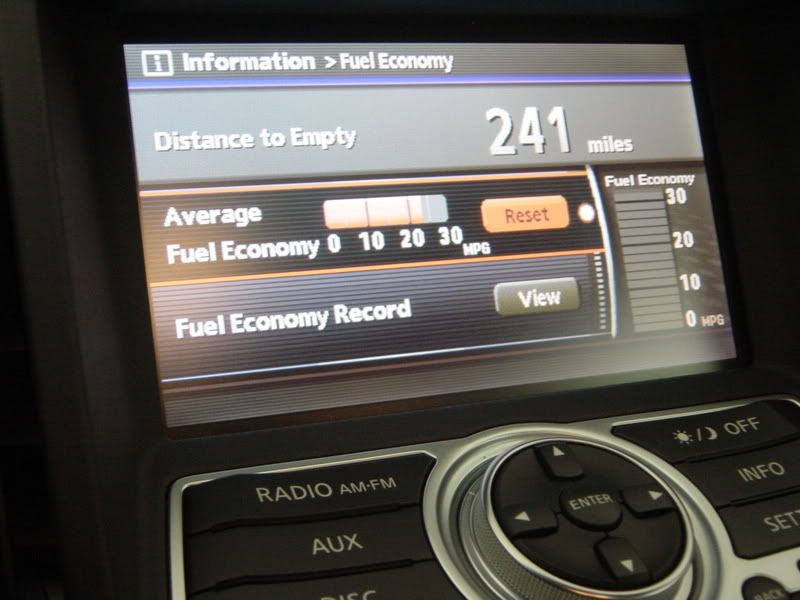

Ha. The mileage was after a 200 mile Interstate drive. Just an aside, at 80mph I get around 23mpg. At 65, if you can stand to drive at that speed, I get around 27mpg. Around town, I get between 18 and 19mpg.
Back on topic, here's the other color option:
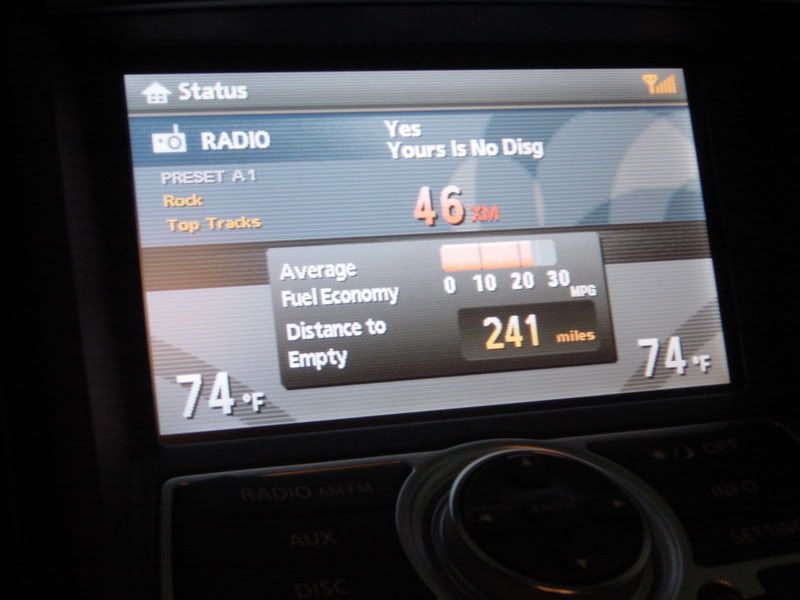
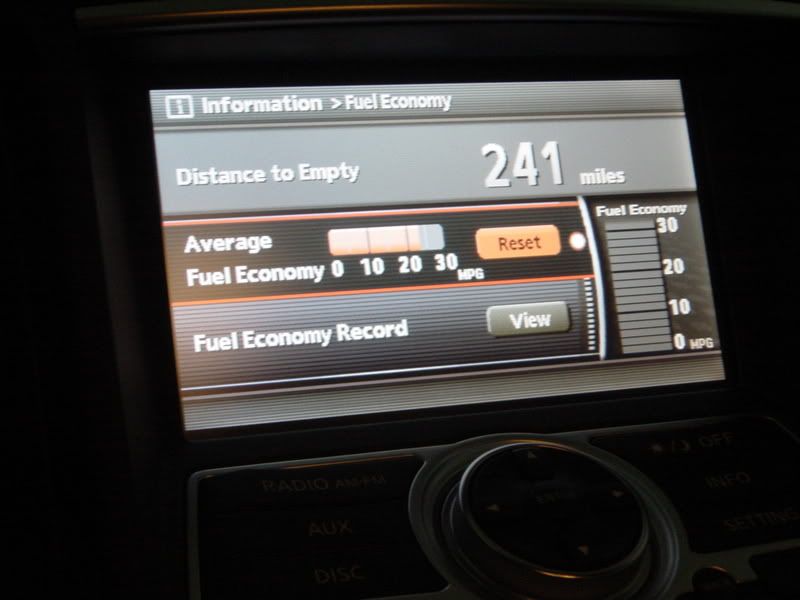
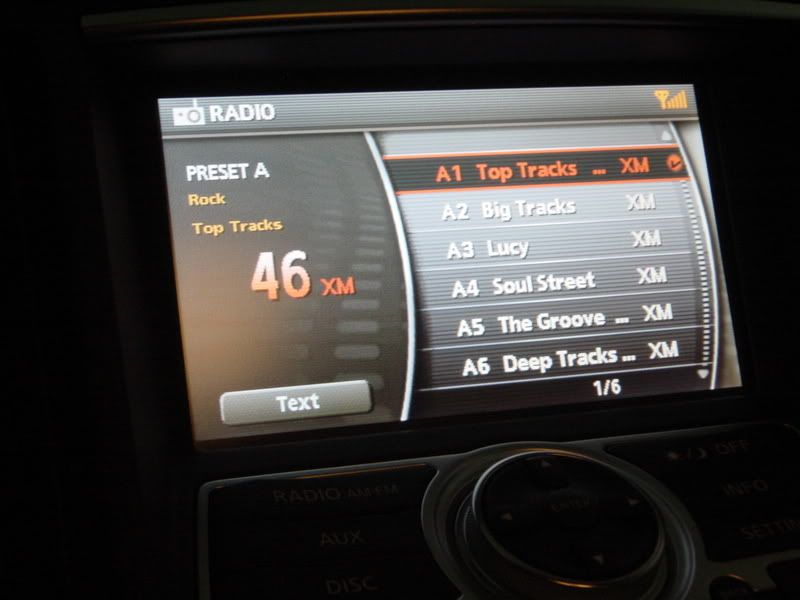
Back on topic, here's the other color option:
Originally Posted by KJC5050
2007 G35 w/ Premium. This is one of the 2 colors available. This color scheme is much darker than the other; Brightness and Contrast are adjusted all the way up:
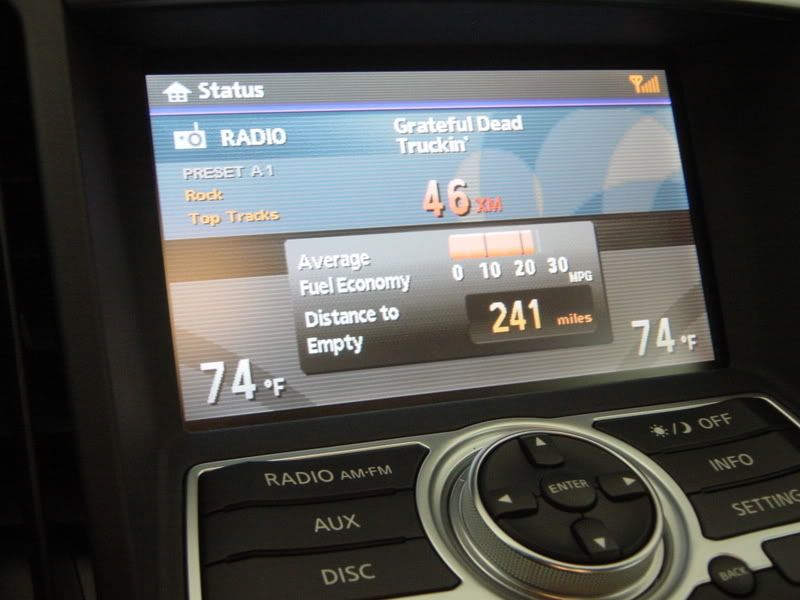
WTF, you've got premium and it's blue?
 Maybe it's on non-NAV cars then?
Can you please snap two pics of the status screen ^^ (Radio station currently playing in both color modes? I'll bet my ***** you can't change it to red.