


~818~ Verdugo Park - Glendale BBQ Meet

Originally Posted by G35Robby
HAHAHAHAHAHAHAHA 
damn Kevin....i didnt know u and shane were that close
Kevin "look at my hot date"
Shane "i feel qweer" lol
damn Kevin....i didnt know u and shane were that close
Kevin "look at my hot date"
Shane "i feel qweer" lol

what can i say? i was trying to seduce him into giving me his FI HFC's.
you caught me.
oh, and dre, no more photochopping my pics (that you may/may not have) w/o my permission!!

Originally Posted by G35Robby
Kevin u should've also photoshopped the left side of the car cuz if u nticed the bumper hangs lol
another FAIL lol
another FAIL lol

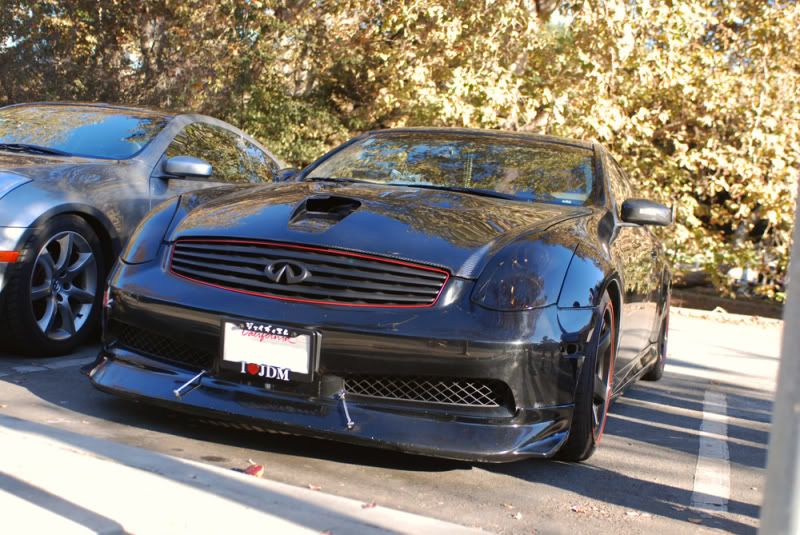
Looks fine to me!

Right Hankoookstyle?
Hell, I'd even venture to say it fits better than the right side of the car!
on another note, sweeet, shane's avatar = my picture.


Originally Posted by G35Robby
Before
After
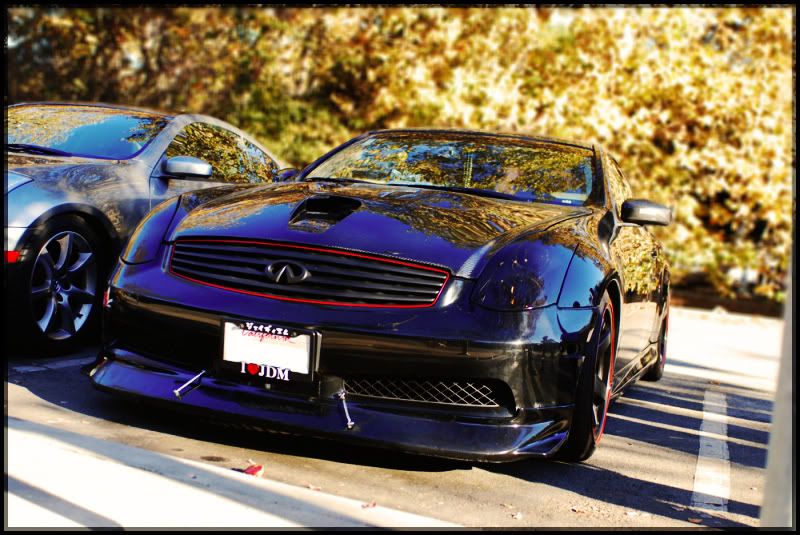
After
That's JMHO, though. :P
I'm sure Hankookstyle will be even happier when he sees this thread again with us photoshopping his car over and over again.

I do need to take the time to read up on putting borders on my pictures, though.

Thread Starter
|
Registered User
Joined: May 2008
Posts: 3,867
Likes: 1
From: SoCal -818-
its not contrast
its color correscted
i used curve, level, match color, and photo filter deep yellow 25%
i could make it not as blue but its cuz of the sky lol
its BLUE lmao
and i also blurred the background a bit more to make it look sickkkk
its color correscted
i used curve, level, match color, and photo filter deep yellow 25%
i could make it not as blue but its cuz of the sky lol
its BLUE lmao
and i also blurred the background a bit more to make it look sickkkk
Originally Posted by G35Robby
its not contrast
its color correscted
i used curve, level, match color, and photo filter deep yellow 25%
i could make it not as blue but its cuz of the sky lol
its BLUE lmao
and i also blurred the background a bit more to make it look sickkkk
its color correscted
i used curve, level, match color, and photo filter deep yellow 25%
i could make it not as blue but its cuz of the sky lol
its BLUE lmao
and i also blurred the background a bit more to make it look sickkkk
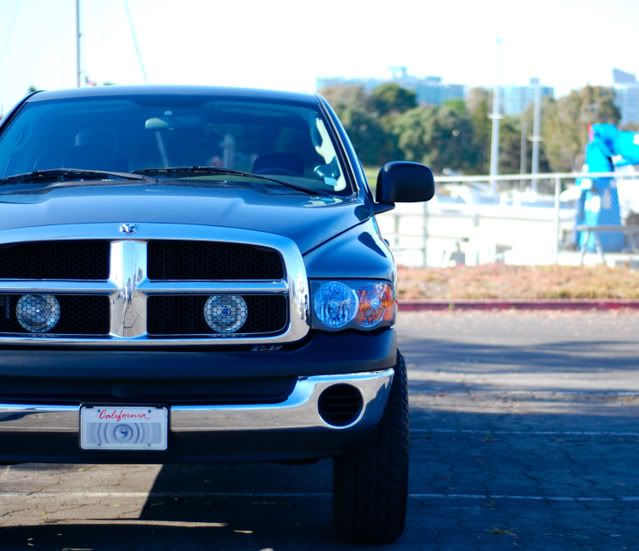
^ the truck is supposed to be gray. don't really like how it turns out like that, so i tone it down now.
i don't think i ever use level, match color, or photo filter, but i guess i'll have to look into those.
i knew something was different but didn't notice the blurred background -- nice.
Thread Starter
|
Registered User
Joined: May 2008
Posts: 3,867
Likes: 1
From: SoCal -818-
if u want to take the blue away, use replace color and click on the blue area and then bring the saturation down
here, ill try to do it on the truck and make it grey
i made this black lmao
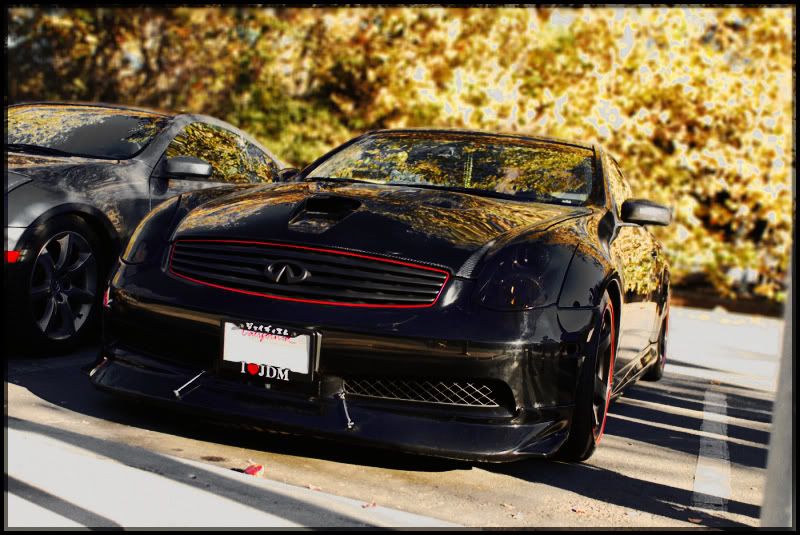
here, ill try to do it on the truck and make it grey
i made this black lmao
ah, good job.
i forgot about that replace color -- my friend taught me it a long time ago, and i've barely ever used it.
my only complaint now is that the leaves in the background are "glowing white" in several places.
but hey, nothing's perfect.
don't waste your time trying to fix this up, lol.
seriously, good job, tho.
edit: also, the windshields now look like they have 5% tint on them.
i forgot about that replace color -- my friend taught me it a long time ago, and i've barely ever used it.
my only complaint now is that the leaves in the background are "glowing white" in several places.
but hey, nothing's perfect.
don't waste your time trying to fix this up, lol.
seriously, good job, tho.
edit: also, the windshields now look like they have 5% tint on them.
Last edited by xx7sephiroth7xx; Nov 18, 2008 at 12:56 AM.