When you click on links to various merchants on this site and make a purchase, this can result in this site earning a commission. Affiliate programs and affiliations include, but are not limited to, the eBay Partner Network.
Please note there be may some differences depending on the device, browser and operating system you are using. Images uploaded into a thread through IB's uploader now scale based on your device. The mobile template loads images smaller than 800px width and desktop scales to 1,000px width. They will grow to full size when clicked.
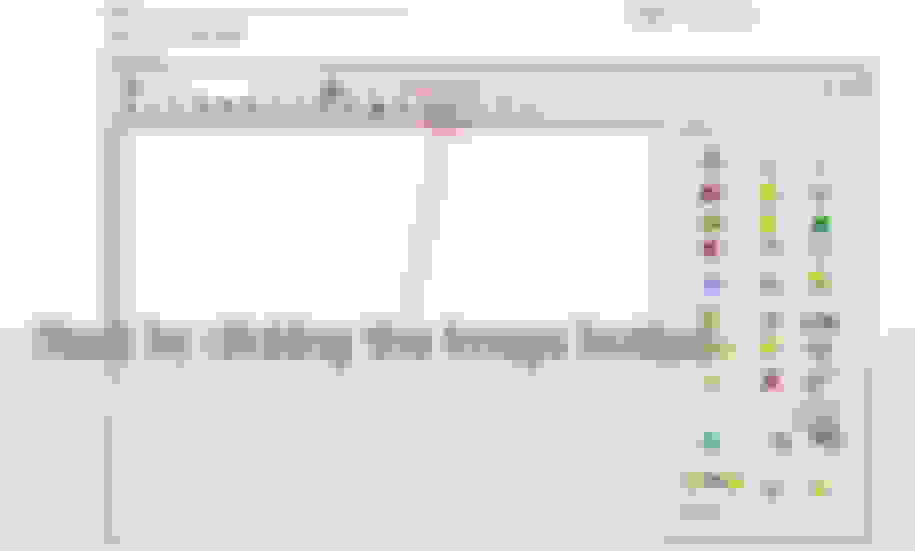
1. Start at the same place, by clicking the "Add Image" button in the editor.
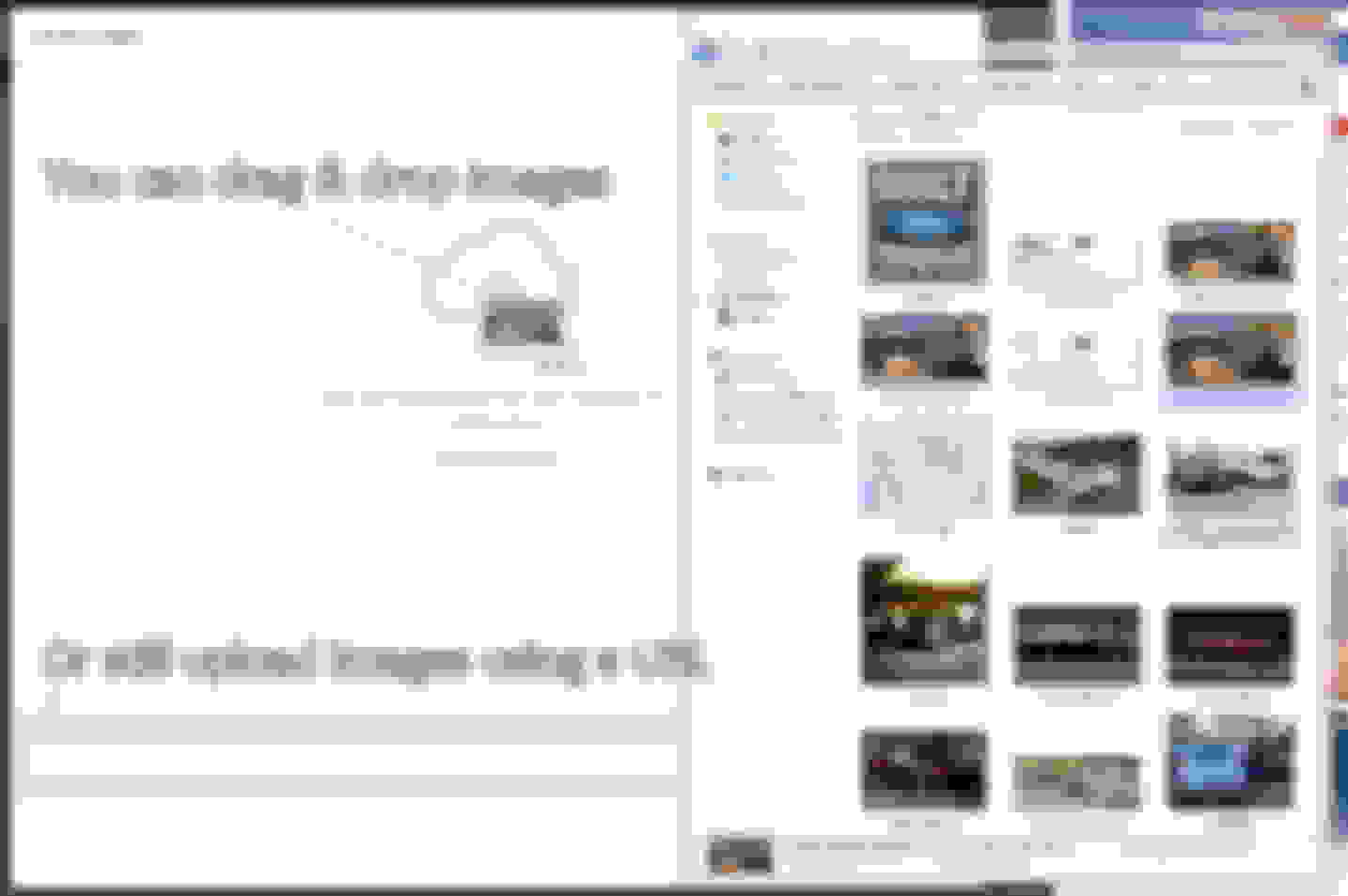
2. You can drag & drop from a folder, open and browse to choose images, or just as always--add a URL.
3. The images will then upload to your album in the gallery, from which you can pull these images in the future for other threads.
Now we have images in the thread!
PART II: Adding existing images
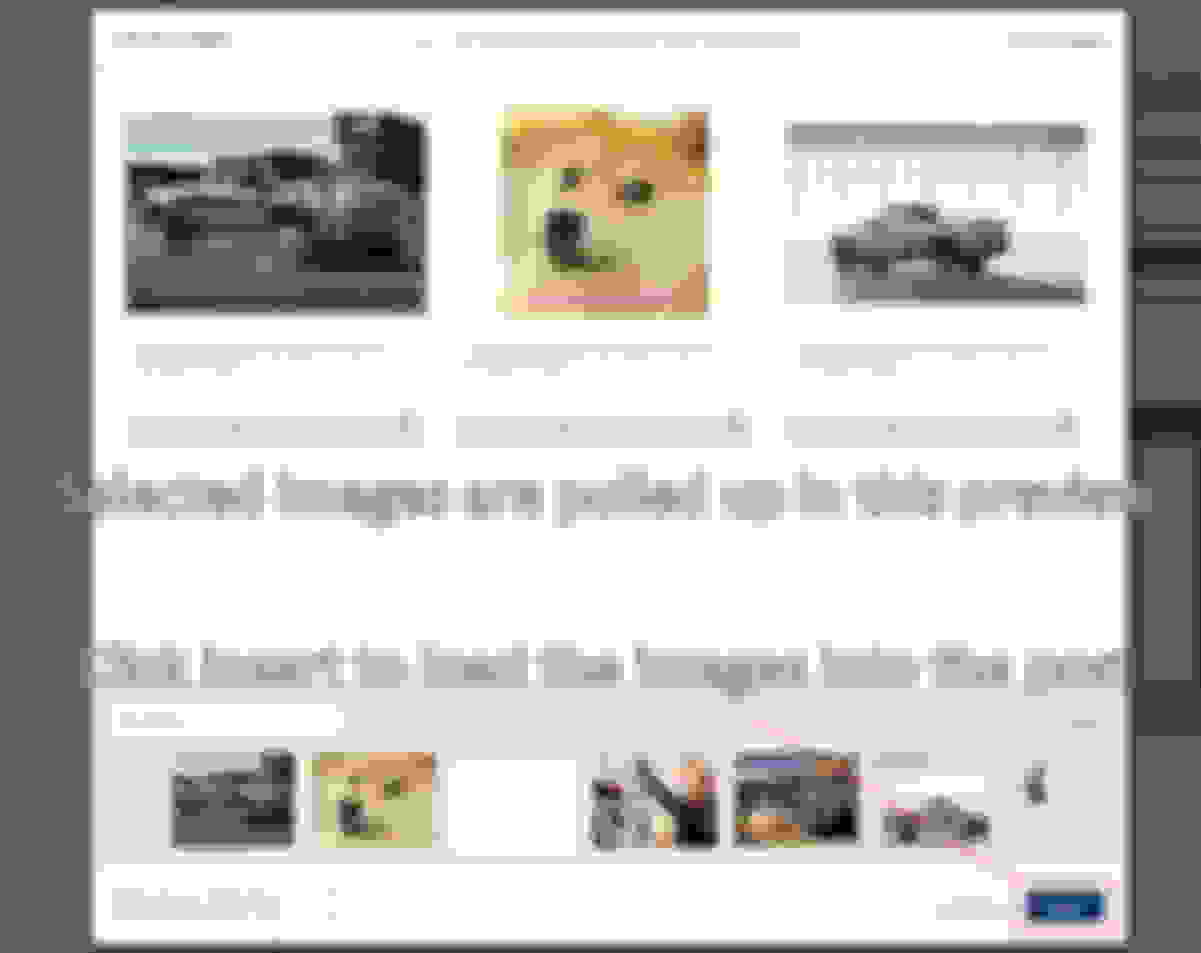
Open the Add Images as usual, and click on "Add from Albums"
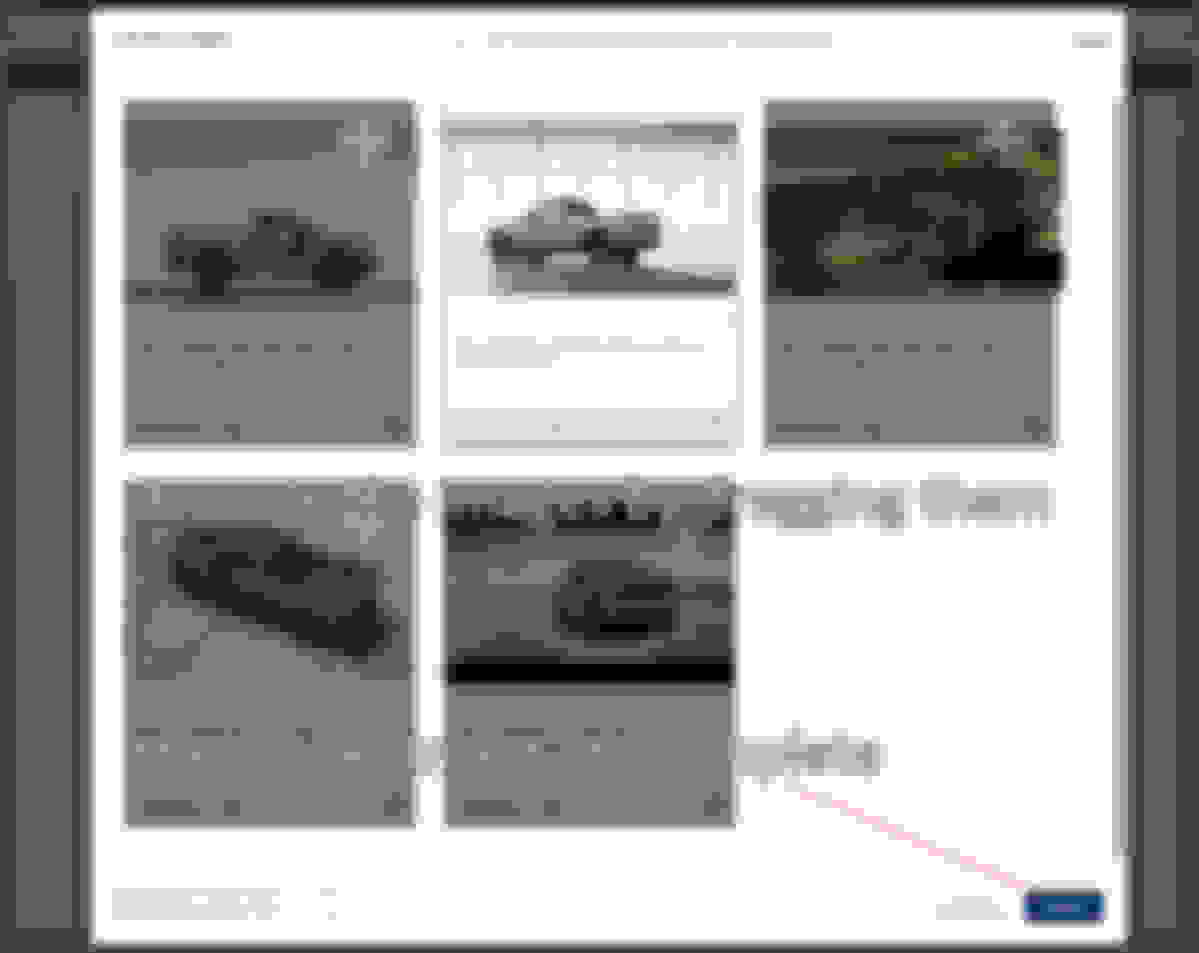
Scroll through the bottom and click on the images to add them
Choose your images, and click insert to add them into your post!
Lol I was sitting down in an underground vault waiting to pull in the feeders from the medium voltage transformer and playing around on my phone. That's a picture of the bank of 18 parallel 4" conduits with a kneeling pad laying on part of it. Those yellow things are caps I put on them after we pulled in string so I wouldn't drop anything into them.
Lol I was sitting down in an underground vault waiting to pull in the feeders from the medium voltage transformer and playing around on my phone. That's a picture of the bank of 18 parallel 4" conduits with a kneeling pad laying on part of it. Those yellow things are caps I put on them after we pulled in string so I wouldn't drop anything into them.
Lol oh man. I thought I had finally found my July 4th hookup haha.
Just hit “Add Image” in the editor, picked the pic from my gallery, and it uploaded fine. Put a few of those photos on my Nixplay - digital photo frame too, and seeing them scale automatically made them look crisp and clear. Makes it easy to share without worrying about size or resolution, and clicking to full size shows all the little details I like.