


Photography/Photo editing THREAD


Photography/Photo editing THREAD
This thread is for people who enjoy looking at a nice picture and editing or not editing to make the picture to perform to its best potentials, and using photoshpping skills, and picture enhancemants, to make the simpletst picture into the best it can be. Submit pictures here that you've either photoshopped, or want photoshoped to make them desktop worthy or just a nice picture to look at. And you good photoshppers/photographers out there post HERE!!!! maybe we can learn some ideas from eachother on how to take a better picture, and edit it better. Lets keep it at INFINITI pictures only.
examples:
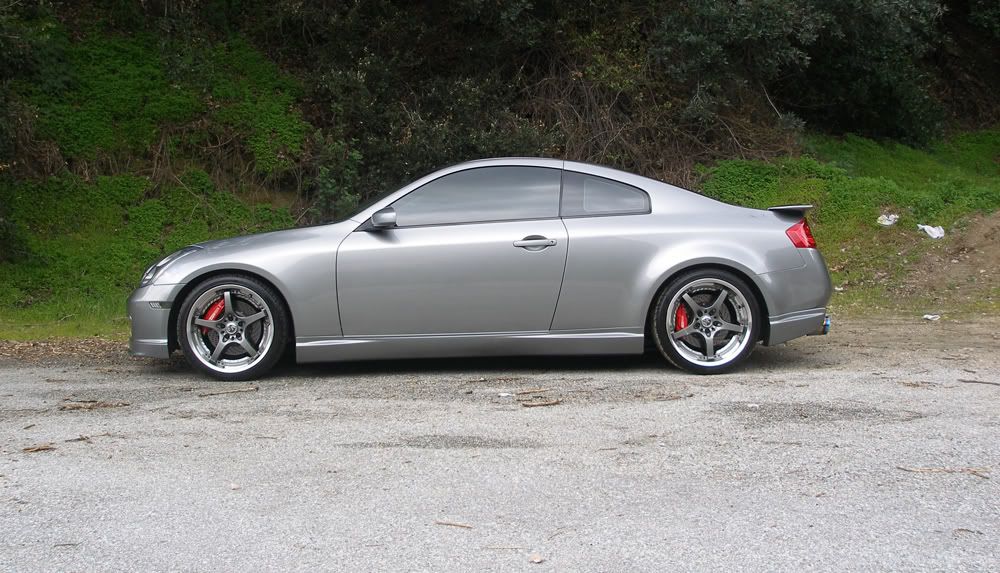
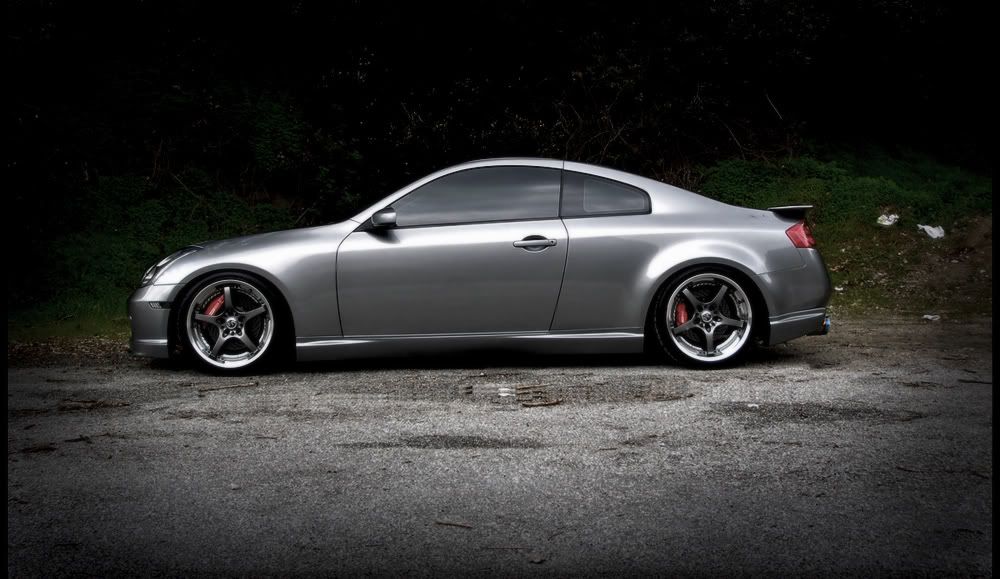
photographers & photoshoping skilled people post here and anyone with questions ask here!! anyone who wants your pictures PS'ed post them here as well...
examples:
photographers & photoshoping skilled people post here and anyone with questions ask here!! anyone who wants your pictures PS'ed post them here as well...
Last edited by ZLUJ; Feb 6, 2007 at 06:22 AM.


Trending Topics


Here's my first attempt with my Canon Rebel XT. I was hoping to get a cool "In motion" shot". I think my ISO was 400, Shutter was 100, Aperture was 22.
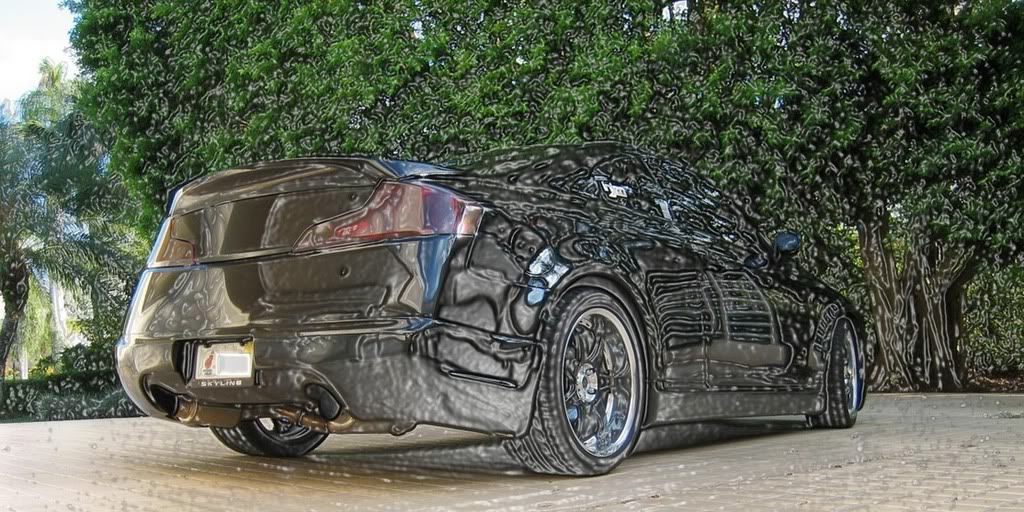
As you can see in the picture the rear of the car looks too bright, does any body know how I can fix that? Also, how can I make the background more blurry, but still have the car in focus?

As you can see in the picture the rear of the car looks too bright, does any body know how I can fix that? Also, how can I make the background more blurry, but still have the car in focus?
Originally Posted by PeteNJ
Canon Rebel XT 350D DSLR w/ Canon EF 50mm f1.8 prime lens, shot in full manual mode.
Sorry for the rookie questions, but I'm starting to get the hang of this photography lingo.

Registered User
Joined: Oct 2004
Posts: 1,148
Likes: 0
From: Hoboken,NJ
Originally Posted by _G_
Hey PeteNJ, is that the lens that comes with the camera? And when in full manual mode, does that mean you put in your own settings? If so, what did you set everything at? I dig how your whole car is in focus on the first pic. How did you do that?
Sorry for the rookie questions, but I'm starting to get the hang of this photography lingo.
Sorry for the rookie questions, but I'm starting to get the hang of this photography lingo.
Manual mode is when you set shutter/aperature settings yourself. I had the focus point near the front 1/4 of the car and I gave a bit of distance to the shot. This allowed me to get more of the car in focus.
Registered User
Joined: Oct 2004
Posts: 1,148
Likes: 0
From: Hoboken,NJ
Originally Posted by _G_
Here's my first attempt with my Canon Rebel XT. I was hoping to get a cool "In motion" shot". I think my ISO was 400, Shutter was 100, Aperture was 22.
As you can see in the picture the rear of the car looks too bright, does any body know how I can fix that? Also, how can I make the background more blurry, but still have the car in focus?
As you can see in the picture the rear of the car looks too bright, does any body know how I can fix that? Also, how can I make the background more blurry, but still have the car in focus?