HDR Dreams...




Trending Topics

Registered User
iTrader: (2)
Joined: Jul 2008
Posts: 367
Likes: 0
From: Dallas, TX (Santa Clara, CA)
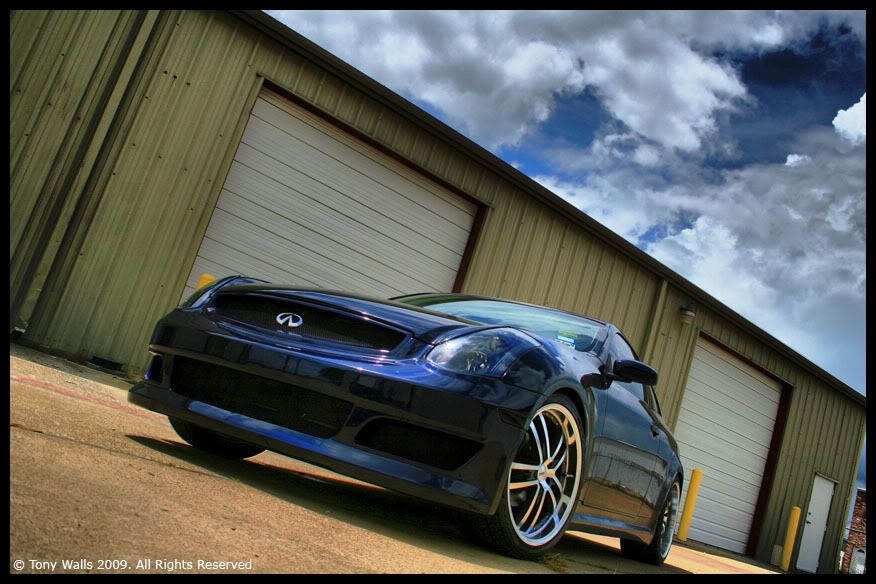
Got any tips on how to tweak the image to make it look it's best? I'm sure my camera limits the picture, but I know there were alot of options in the program to change the image.
First off, what kind of camera do you have? You might be surprised that your camera is more decent than you think. Most point and shoots have more megapixels than my DSLR, and have the same modes as well.. Most people just think because it doesn't have interchangeable lenses, it's not a good cam. Composition is 60% of the game, lighting is 20% and setting is the other 20% as far as I'm concerned..
Secondly, are you talking in terms of for HDR, or just image editing in general? What software are you using to do your image editing?
Secondly, are you talking in terms of for HDR, or just image editing in general? What software are you using to do your image editing?
Registered User
iTrader: (2)
Joined: Jul 2008
Posts: 367
Likes: 0
From: Dallas, TX (Santa Clara, CA)
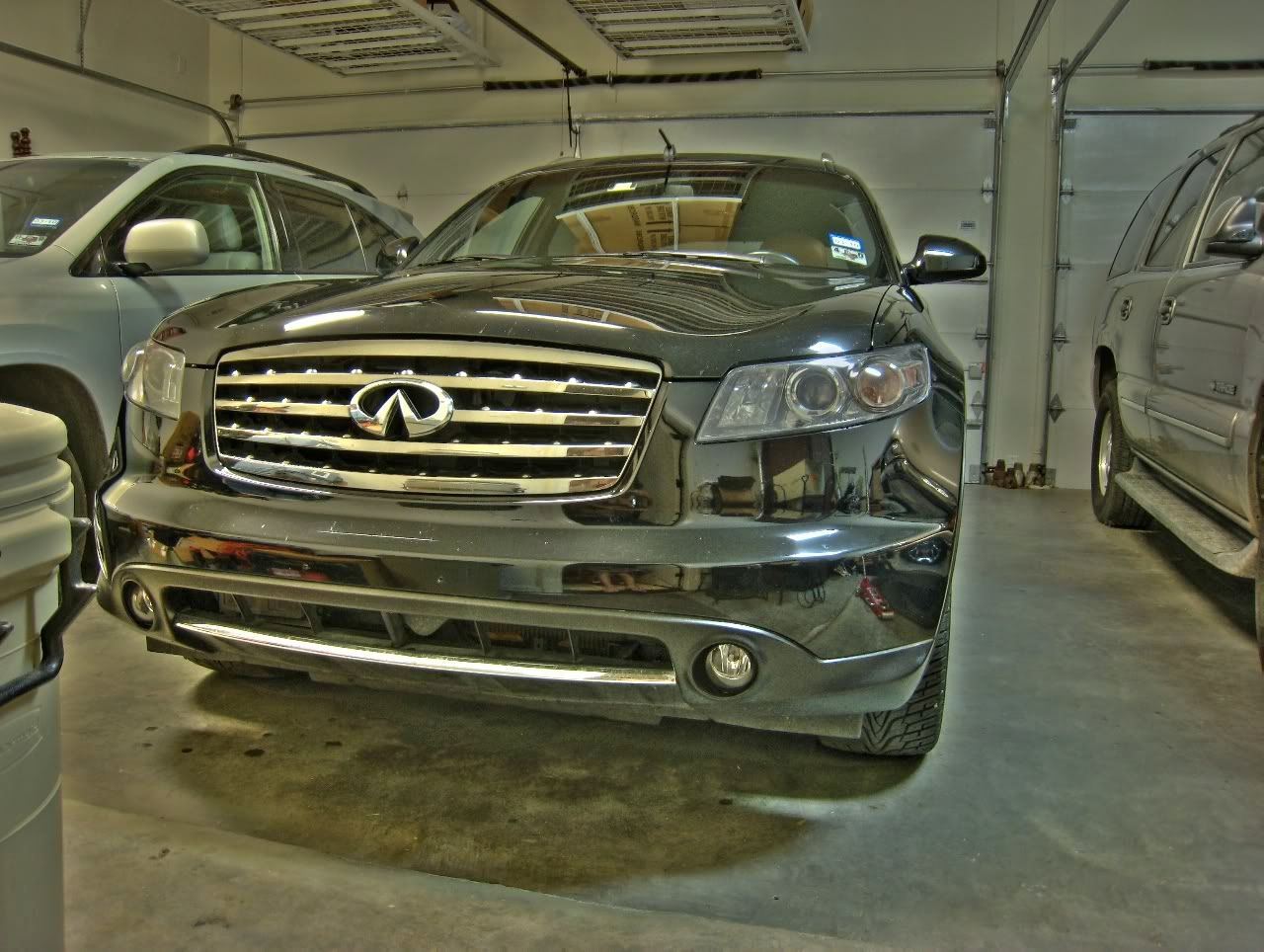
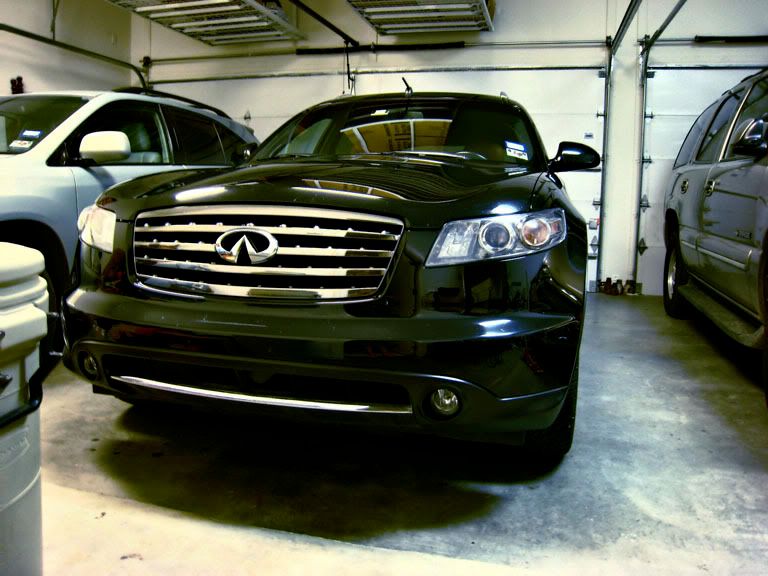
Canon PowerShot 800 IS according to the photos I uploaded. It's not a great camera, but it's pretty decent. The image stabilization is nice.
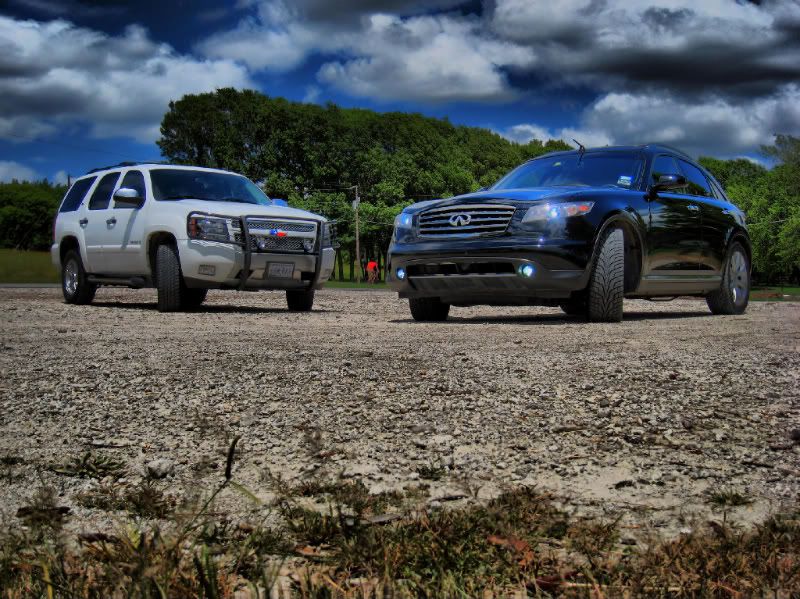
Right now, mostly concerned with HDR editing, because I feel that is where I am lacking. I use photomatix pro. Here's the pic again after I tried some more at editing:
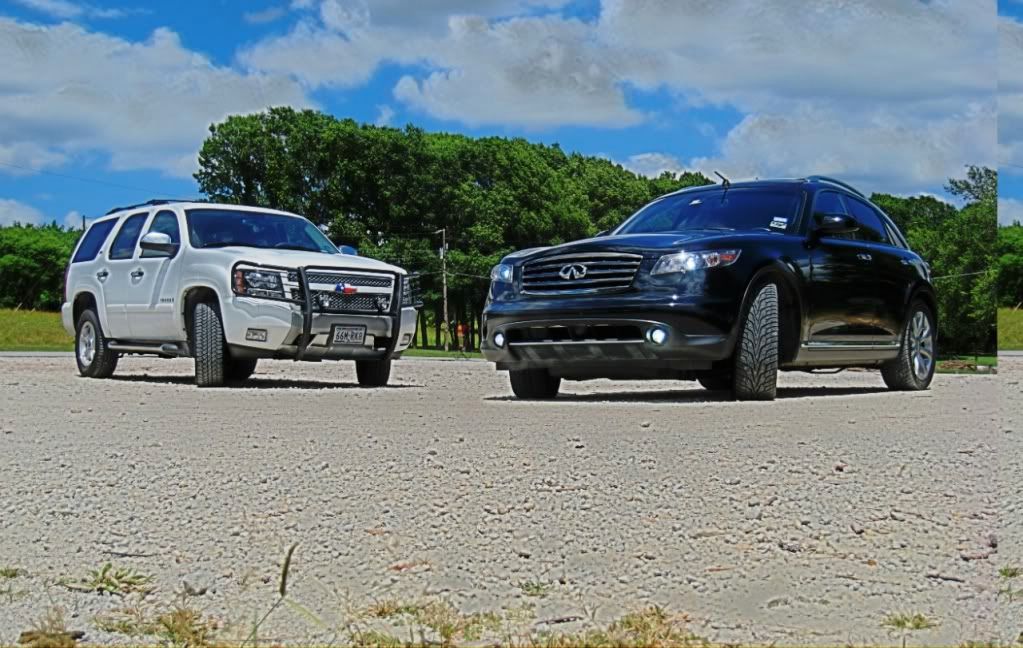
Right now, mostly concerned with HDR editing, because I feel that is where I am lacking. I use photomatix pro. Here's the pic again after I tried some more at editing:
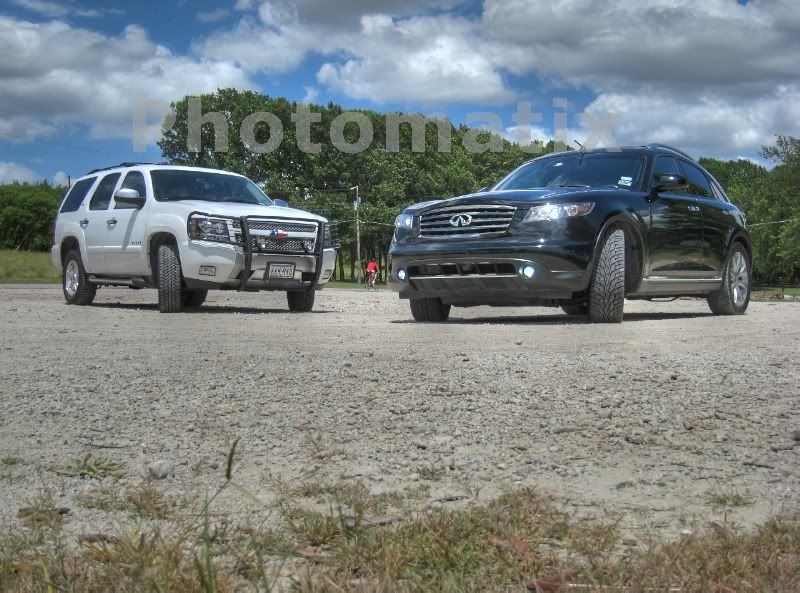
Well what I'm seeing is that your images aren't overlapping properly.. Were you using a tripod? look at the edge of the image, they're not the same image.. You're not going to get the effect you're after if you're using 2 very different images.. You're getting a lot of "halo-ing" in your clouds.. that's why they're coming out blurred rather than dominant.
Registered User
iTrader: (2)
Joined: Jul 2008
Posts: 367
Likes: 0
From: Dallas, TX (Santa Clara, CA)
I just sat the camera on a flat surface while taking the pics, but I think they are decently lined up. I know the program helps to do that. That line down the right side is from something in the editing size wise. If you look, it's like the the picture is starting over again, but only the far left is there. I do see what you mean about the clouds though, and I agree it's not lined up perfectly.
I guess I just need to try again somewhere, maybe with a tripod, or just keep doing trial and error. With these pics, I actually had my laptop with me to do on the spot editing, and most of the pics were way off alignment wise.
I guess I just need to try again somewhere, maybe with a tripod, or just keep doing trial and error. With these pics, I actually had my laptop with me to do on the spot editing, and most of the pics were way off alignment wise.
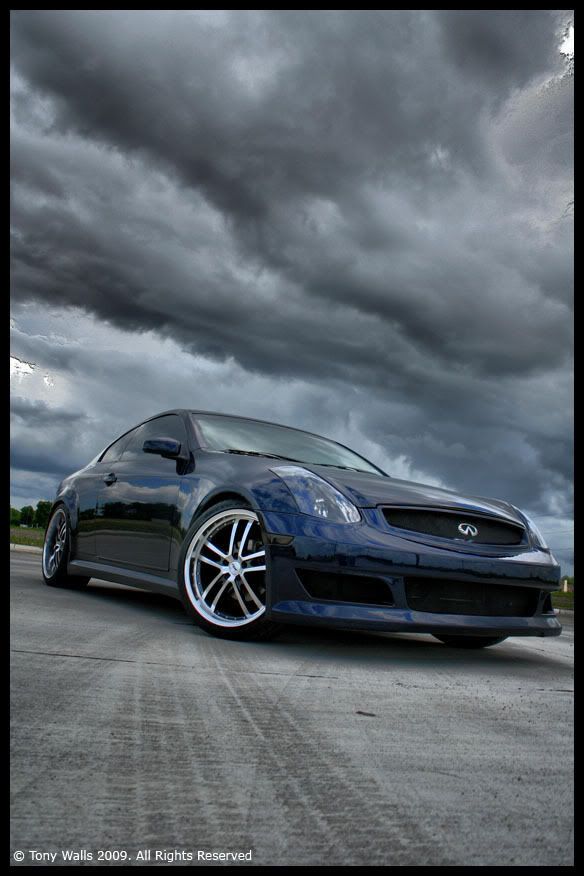
alright.. I think you were looking for more of this style right? I was able to get the subjects aligned but I can tell based on your exposures that the clouds were moving rather fast that day.. Each exposure has them in a different spot slightly, and the cars were also slightly moved.. So, the clouds aren't going to ever line up.. You have to either pick between your subject or the clouds.. I obviously picked the cars. Also, the dude on the bike is only on one of your exposures.. However, I got the effect and vivid colors for you.. Hope you like.. The software I'm using is Photoshop and Dynamic-Photo HDR.. Not photomatix..