


Photography/Photo editing THREAD


it's different for every situation...i can't just tell you. what mode were you using?
also...it does seem kinda blurry. like i said before, it's hard to tell what the focus of the shot is.
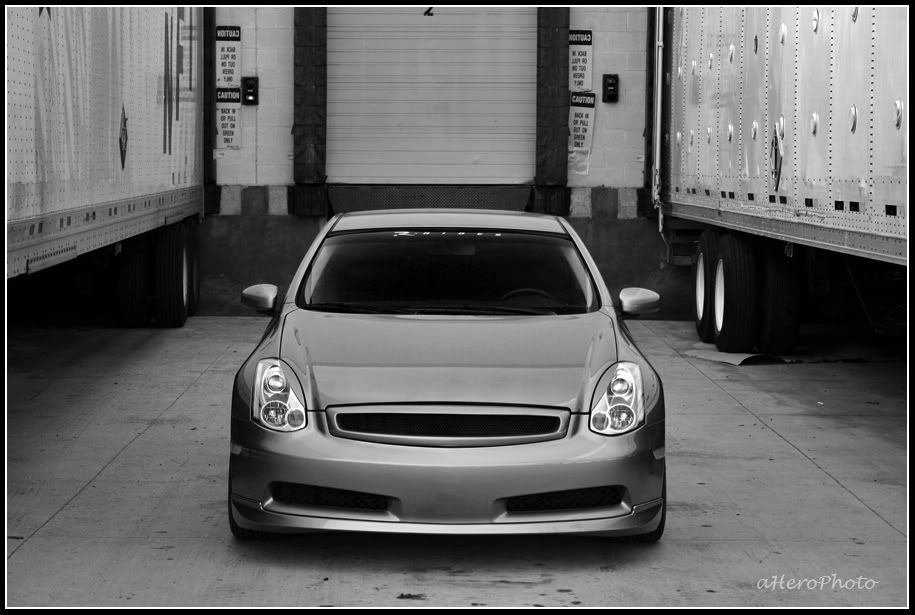
also...it does seem kinda blurry. like i said before, it's hard to tell what the focus of the shot is.



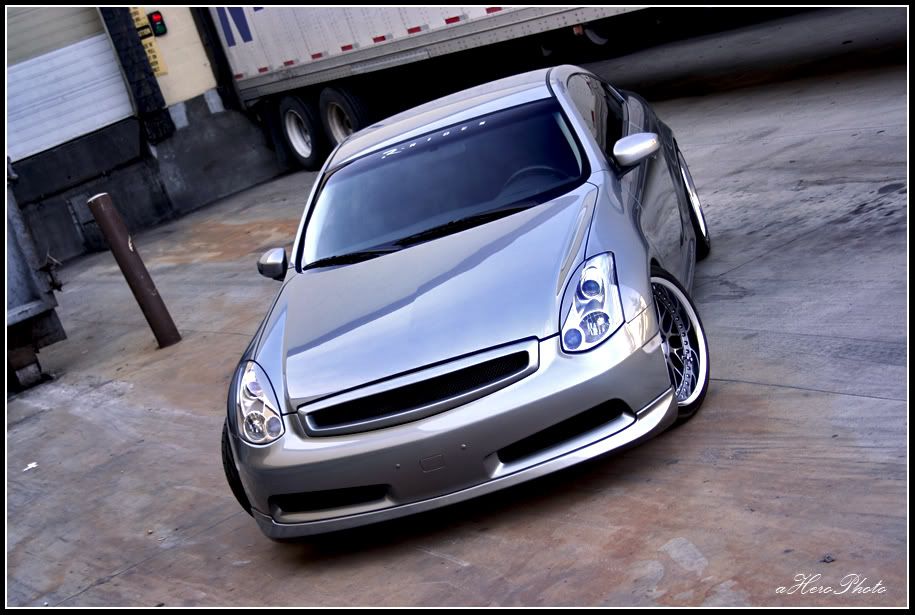
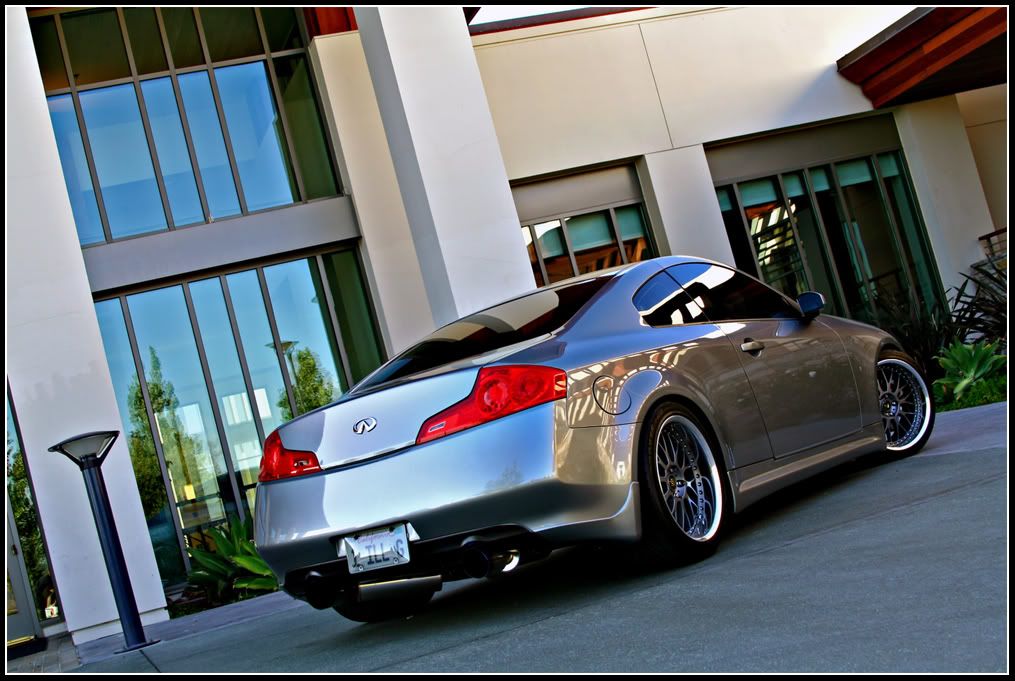
ya that last picture is a pretty cool scene
EDIT: I have a question i have the Canon EOS Rebel XT
But i go to color filter and set a color but it always comes out black and white
anyone know what i am doing wrong?
His last picture just kind of reminded me of the color filter
EDIT: I have a question i have the Canon EOS Rebel XT
But i go to color filter and set a color but it always comes out black and white
anyone know what i am doing wrong?
His last picture just kind of reminded me of the color filter
Last edited by toymachine2009; Jun 12, 2007 at 01:22 AM.


Originally Posted by toymachine2009
ya that last picture is a pretty cool scene
EDIT: I have a question i have the Canon EOS Rebel XT
But i go to color filter and set a color but it always comes out black and white
anyone know what i am doing wrong?
His last picture just kind of reminded me of the color filter
EDIT: I have a question i have the Canon EOS Rebel XT
But i go to color filter and set a color but it always comes out black and white
anyone know what i am doing wrong?
His last picture just kind of reminded me of the color filter
i have a 350d, too. show me how you get there and i'll see if i can figure it out.
i.e. menu > ? > ? > color filter


Menu > 2nd tab at the top > all the way down parameter> Change parameter to B/W (black and white) > Then you will see color filter as a sub setting once u select B/W as paramter.
Now i figured once u select B/W you can then set a filter effect and pick a color so i thought that it would only show that color you pick and make the rest black and white.
Now i figured once u select B/W you can then set a filter effect and pick a color so i thought that it would only show that color you pick and make the rest black and white.
Last edited by toymachine2009; Jun 12, 2007 at 02:44 AM.
Originally Posted by toymachine2009
Menu > 2nd tab at the top > all the way down parameter> Change parameter to B/W (black and white) > Then you will see color filter as a sub setting once u select B/W as paramter.
Now i figured once u select B/W you can then set a filter effect and pick a color so i thought that it would only show that color you pick and make the rest black and white.
Now i figured once u select B/W you can then set a filter effect and pick a color so i thought that it would only show that color you pick and make the rest black and white.

Originally Posted by sngpimpin
i still like the touched up one! the warmer tone looks better!