
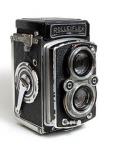
it's different for every situation...i can't just tell you. what mode were you using?
also...it does seem kinda blurry. like i said before, it's hard to tell what the focus of the shot is.
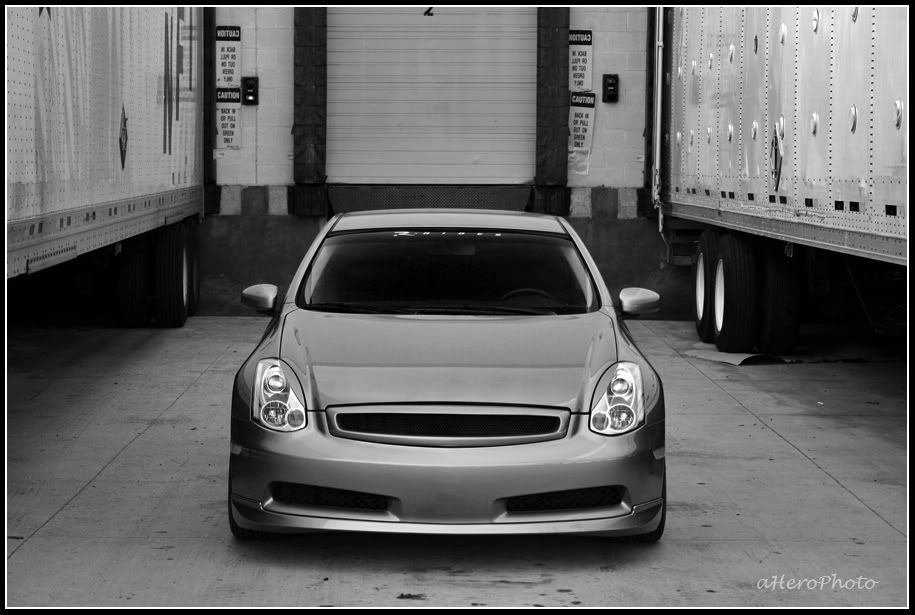
also...it does seem kinda blurry. like i said before, it's hard to tell what the focus of the shot is.


GreenGoblin
The goblin resurrection
close


Feb 23, 2022
- Join DateOct 2006
- LocationIn my garage
- Posts:25,863
-
iTrader Positive Feedback100
-
iTrader Feedback Score(66)
-
Likes:173
-
Liked:187 Times in 95 Posts
some good shots in this thread I am gonna have to work on some pics and post them up

Registered User
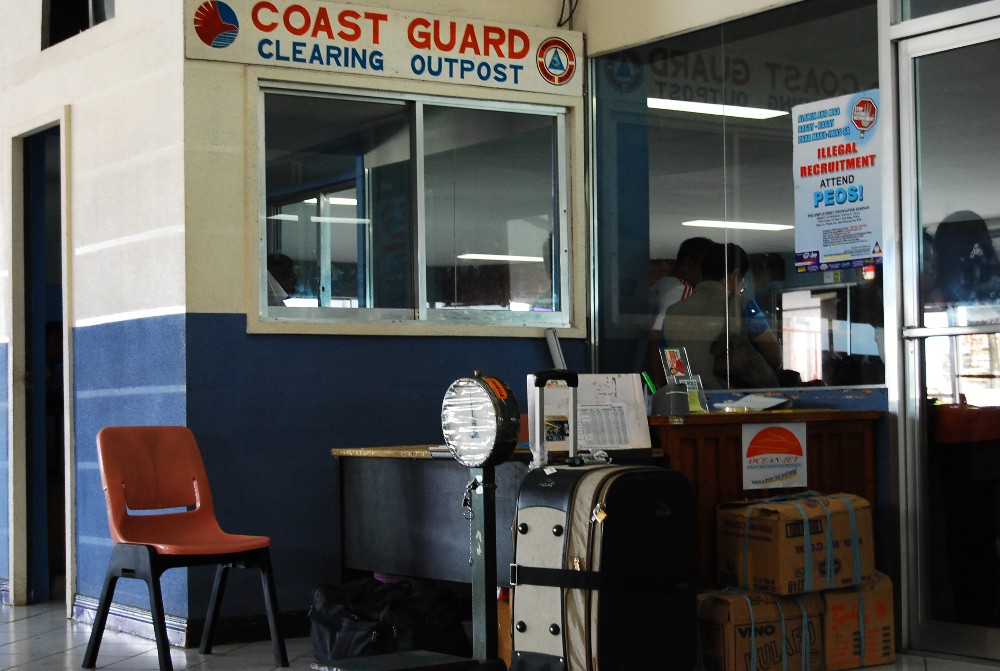
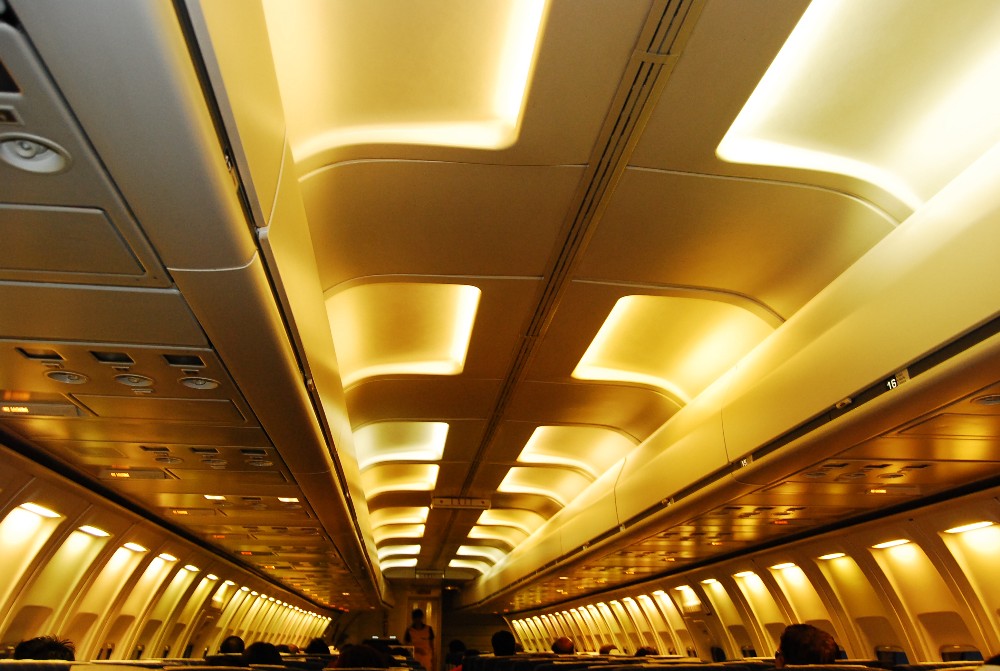
Heres a few untouched shots I took over vacation. Please critique, as there are some very good photographers on this thread I can learn from.


Registered User
ya that last picture is a pretty cool scene
EDIT: I have a question i have the Canon EOS Rebel XT
But i go to color filter and set a color but it always comes out black and white
anyone know what i am doing wrong?
His last picture just kind of reminded me of the color filter
EDIT: I have a question i have the Canon EOS Rebel XT
But i go to color filter and set a color but it always comes out black and white
anyone know what i am doing wrong?
His last picture just kind of reminded me of the color filter
GreenGoblin
The goblin resurrection
close
Feb 23, 2022
- Join DateOct 2006
- LocationIn my garage
- Posts:25,863
-
iTrader Positive Feedback100
-
iTrader Feedback Score(66)
-
Likes:173
-
Liked:187 Times in 95 Posts

Orginal

Touch up

orginal

touch up
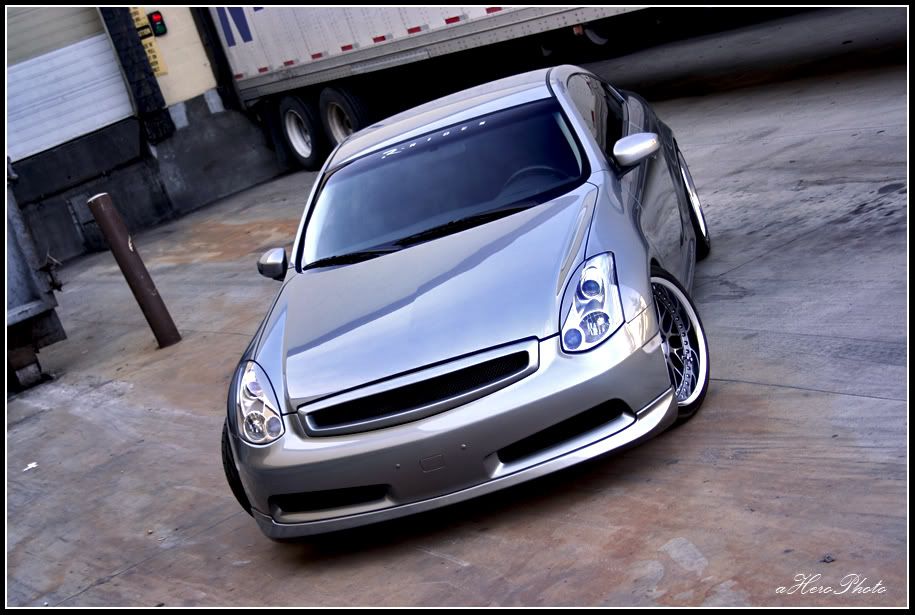
Quote:
EDIT: I have a question i have the Canon EOS Rebel XT
But i go to color filter and set a color but it always comes out black and white
anyone know what i am doing wrong?
His last picture just kind of reminded me of the color filter
color filter?Originally Posted by toymachine2009
ya that last picture is a pretty cool sceneEDIT: I have a question i have the Canon EOS Rebel XT
But i go to color filter and set a color but it always comes out black and white
anyone know what i am doing wrong?
His last picture just kind of reminded me of the color filter
i have a 350d, too. show me how you get there and i'll see if i can figure it out.
i.e. menu > ? > ? > color filter


Quote:
Orginal
Touch up
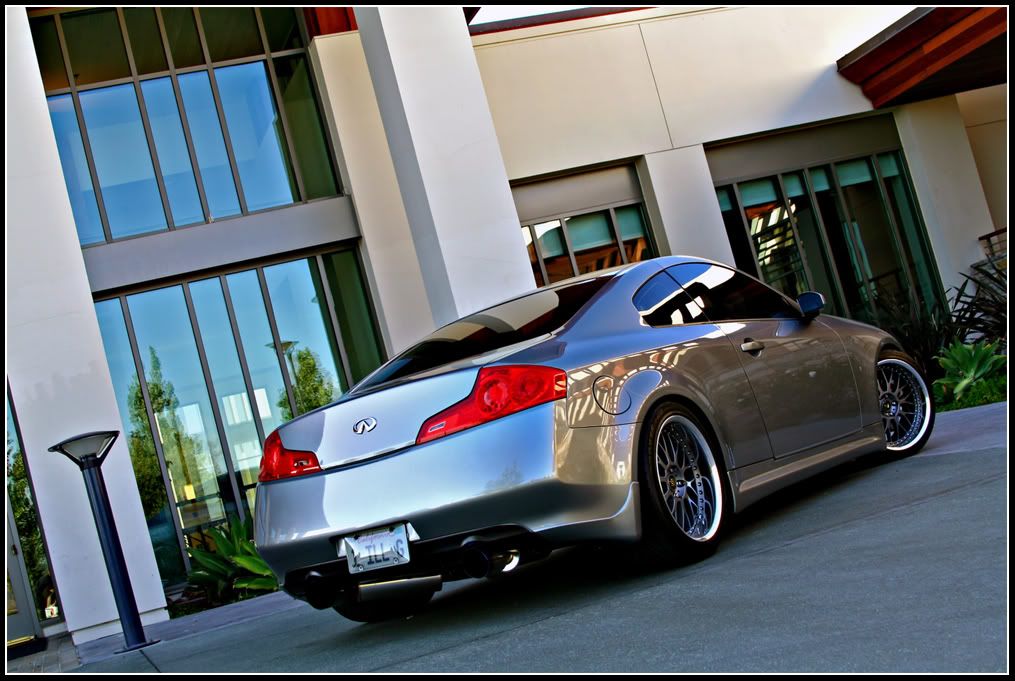
hope you don't mind...i got bored and i ran outta my own pics, LOLOriginally Posted by CruisnGcoupe
Orginal
Touch up
Registered User
Menu > 2nd tab at the top > all the way down parameter> Change parameter to B/W (black and white) > Then you will see color filter as a sub setting once u select B/W as paramter.
Now i figured once u select B/W you can then set a filter effect and pick a color so i thought that it would only show that color you pick and make the rest black and white.
Now i figured once u select B/W you can then set a filter effect and pick a color so i thought that it would only show that color you pick and make the rest black and white.
GreenGoblin
The goblin resurrection
close
Feb 23, 2022
- Join DateOct 2006
- LocationIn my garage
- Posts:25,863
-
iTrader Positive Feedback100
-
iTrader Feedback Score(66)
-
Likes:173
-
Liked:187 Times in 95 Posts
no i dont mind at all looks good with a border finishes it off
Registered User
Quote:
Now i figured once u select B/W you can then set a filter effect and pick a color so i thought that it would only show that color you pick and make the rest black and white.
have you tried this aHero4EternityOriginally Posted by toymachine2009
Menu > 2nd tab at the top > all the way down parameter> Change parameter to B/W (black and white) > Then you will see color filter as a sub setting once u select B/W as paramter.Now i figured once u select B/W you can then set a filter effect and pick a color so i thought that it would only show that color you pick and make the rest black and white.

Registered User
Quote:
i still like the touched up one! the warmer tone looks better!Originally Posted by aHero4Eternity
hope you don't mind...i got bored and i ran outta my own pics, LOL
Quote:
that one is touched up. it's much more clear and appealing to the eyes, imo. overall, it's looks more realistic (again, imo).Originally Posted by sngpimpin
i still like the touched up one! the warmer tone looks better!