Photography/Photo editing THREAD


Registered User
iTrader: (3)
Joined: Aug 2009
Posts: 265
Likes: 0
From: From California to Carolina, Im all over the place
Need some help please guys
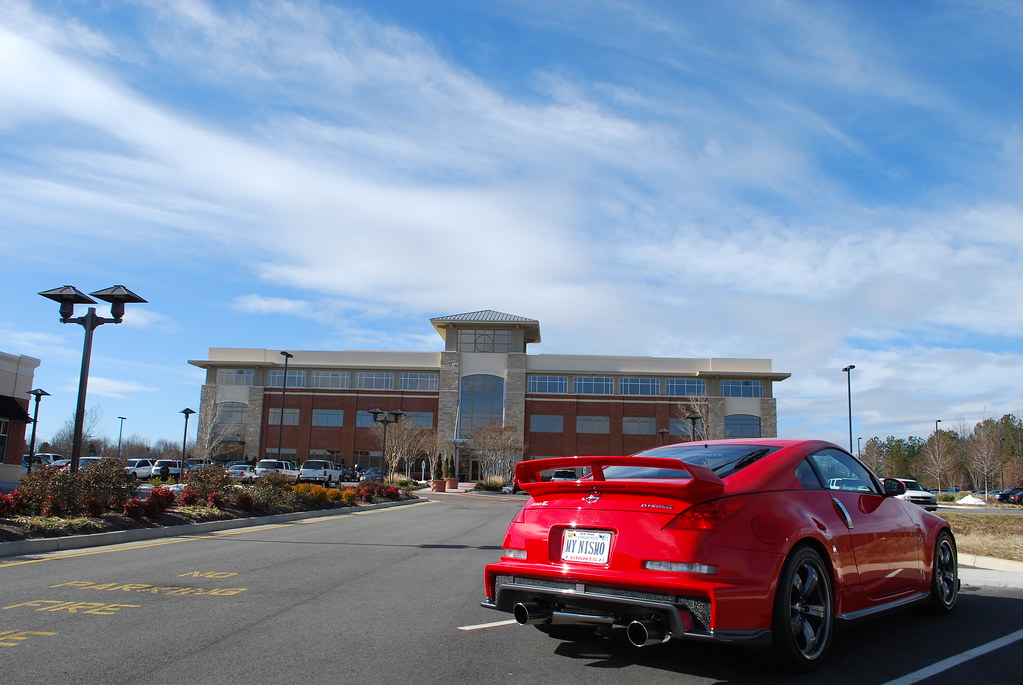
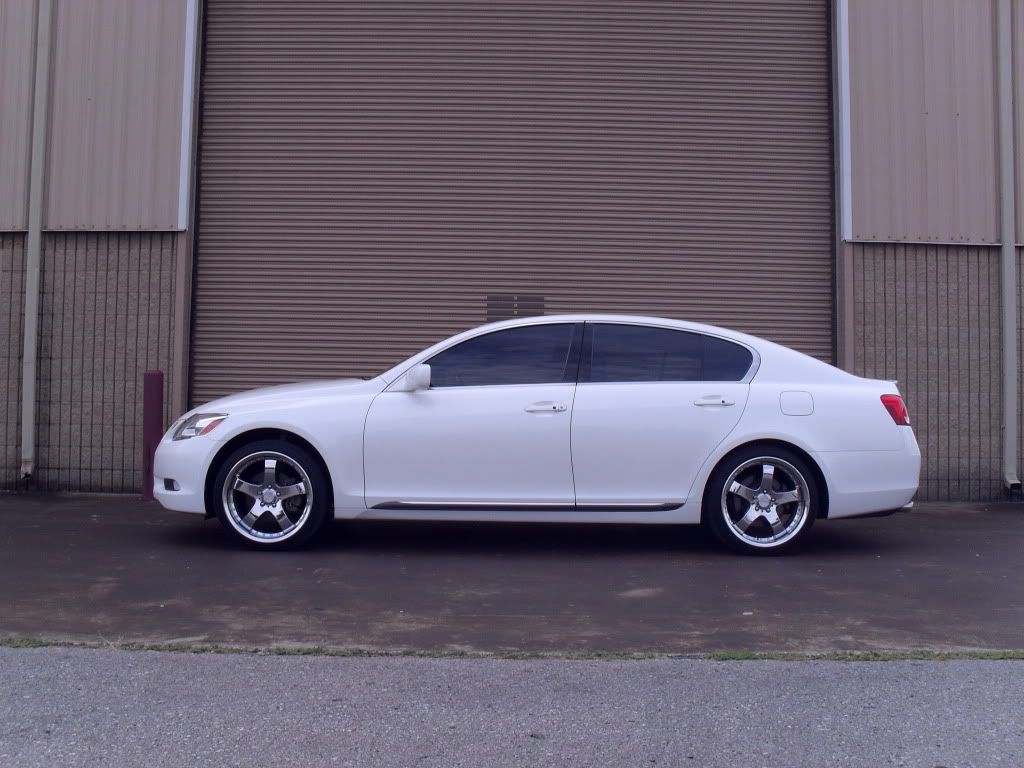
Ok, I scratched the painting the wheels idea, gonna paint the entire car and change wheels. Can someone please change my car to the color of the truck I included and change the wheels to the rota p45 I put on here and dump it, I'll be putting airbags on, so wanna see what it looks like slammed. Id be glad to re-imburse you for your troubles via paypal. I just dont want to spend the money without seeing what it could possible look like and I dont use photoshop


photoshop request
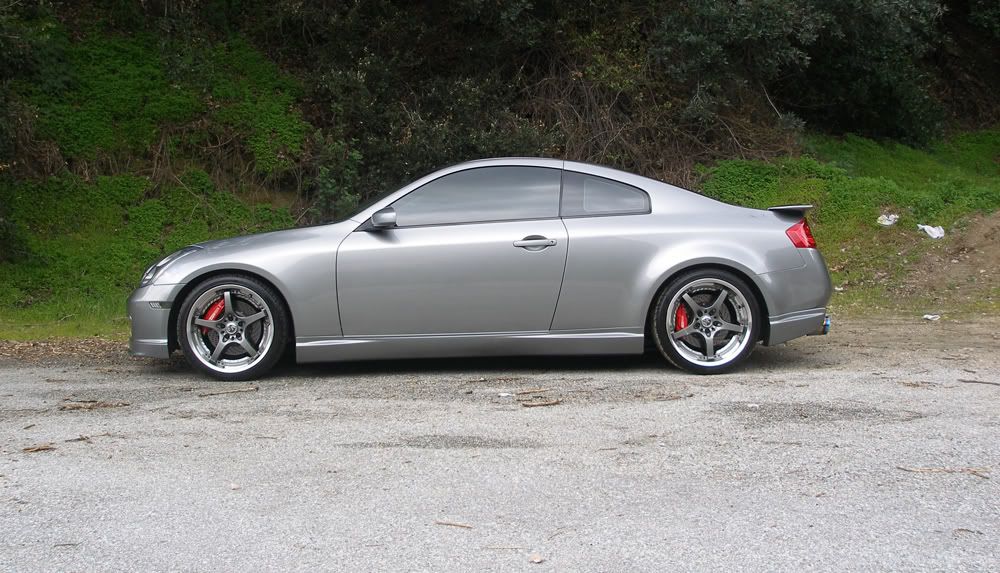
Can you photoshop these 2 rims on the car. Also, can you make the wheels look alittle bigger. The rims on the current car is 20" and I am looking to get 21".
Thanks
Thanks

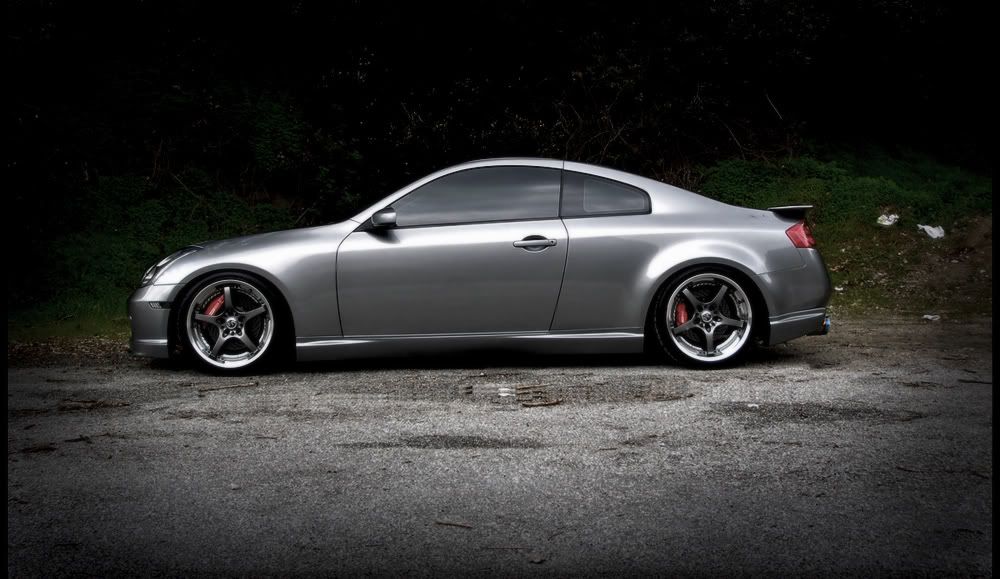
well ive been starting to take pictures and using a photoshop a little bit. im still not great at it and would like to know exactly how you went from the first picture to get to the second picture. i have messed around with some stuff like saturation and the lighting as well as gamma as alpha but i just wanna know some more professional ways to turn my pictures from the first to the second ones. i guess im kinda looking on a explanation for what actually changed from picture to picture so i can go in and try to mess around and get around the same pictures. any help would be awesome. didn't really see the information i needed in the first 20-something pages on this thread
R
Here's a before and after of one of my shots:

HDR first then curves & levels & blending adjustments while using a bunch of masks.
I love the post processing part of photography.
HDR first then curves & levels & blending adjustments while using a bunch of masks.
I love the post processing part of photography.