When you click on links to various merchants on this site and make a purchase, this can result in this site earning a commission. Affiliate programs and affiliations include, but are not limited to, the eBay Partner Network.
Hi guys,
I recently bought a 06 G35 coupe which doesn’t come with navigation. I really like the pop up navigation and want to install it on my car. How can I do that?
just putting this here because I couldn’t find a satisfiable/explanation thread anywhere.. thankyou
Last edited by brutalg35; Nov 24, 2019 at 10:51 PM.
Actually, I want to install factory navigation for it’s look; not for the maps. btwn, I saw a video on youtube in which this guy modifies his navigation screen to mirror it with iPhone. It worked perfectly.
Here is the link for the video and I want to set it up just like this
04 6mt Coupe - motordyne 5/16 ART pipes TDX2; KWv2; Hotchkiss; custom seats.
If your car didn't come factory equipped with gps, it's a nightmare octopus of a harnesses to get a gps that is so ancient that my office park (built a decade ago) is not on the latest map revision and an entire spur of a highway in the metro jax area is missing (even though it existed during the last revision). Here is a sticky from the AV subforum: https://g35driver.com/forums/audio-v...em-my-car.html *Tho, if you're already removing your dash for some other project (crack repair or some AC/Heat issue) it would be a good time to do this upgrade if you were still inclined.
1- The cheapest/easiest route is using a phone with a mount as Urban said. If you look over in the AV section, there are some threads of people who did custom tesla-like ipad/tablet mount in the center console.
2 - Another route to have the 'cool' popup is to buy just the screen module, which will wire in to a non-nav optioned car. Find a tablet or upgraded touchscreen that will fit or fit for a raspberri pi or something if you're techy (https://g35driver.com/forums/audio-v...ment-info.html for inspiration). Con is that you lose the cubby (which is useful in a car with limited storage options) and you have the now-useless (unless you're super techy) nav buttons sitting front and center.
3 - Get a DDIN with something with Carplay or AndroidAuto and/or a full gps built in. Con is obviously losing the design factor of the popup, and the cost of getting everything required...but its a great leap from OEM once you get everything sorted. Even though I have a full stealth radar installed and generally drive the same routes, I see a value in the traffic/speedtrap alerts that come from waze and gmaps.
G35 Sedan Leather Base, Z1 Plenum Spacer, Z Tube (Currently sold to a friend)
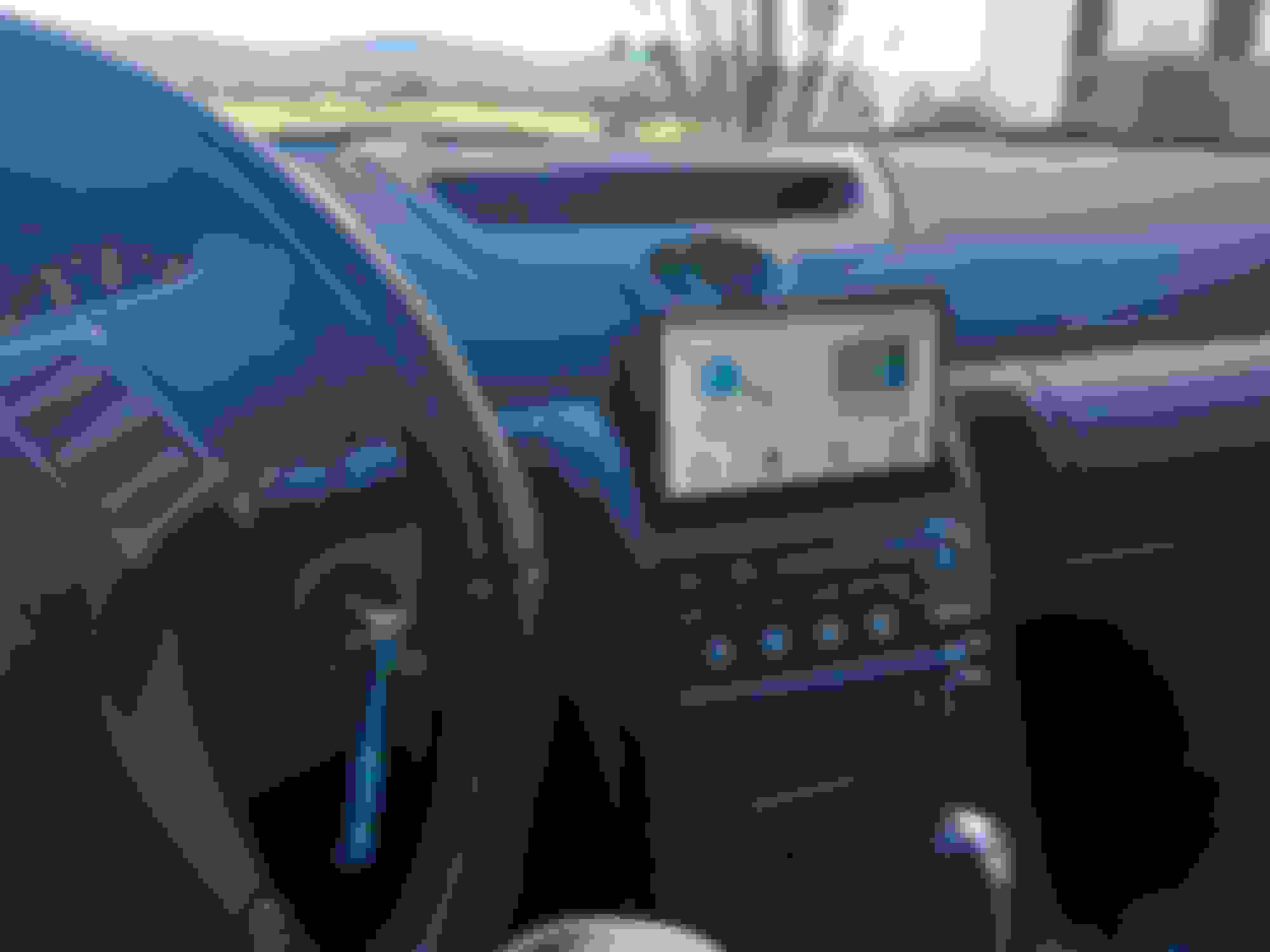
Old OEM navigation is severely outdated and annoyingly bad. I suggest you do what I did and install a modern Garmin on the underside of the cubby lid (where the factory pop up unit would go).
The live traffic is excellent when connected to data from my phone, as good or better than Waze. I also enjoy the backup camera, it can read text messages to me, weather forecasts... it is featured packed. It is slightly smaller than the exact width of the cubby so I can take it down and stow it in the cubby for security when I want.
Last edited by kelman81; Nov 26, 2019 at 08:30 AM.
Front and rear cameras, tire pressure for all four tires can display on screen,folding side view mir
Originally Posted by brutalg35
Hi guys,
I recently bought a 06 G35 coupe which doesn’t come with navigation. I really like the pop up navigation and want to install it on my car. How can I do that?
just putting this here because I couldn’t find a satisfiable/explanation thread anywhere.. thankyou
Buy a used Tesla
They have a large screen and great navigation
Did I mention they do zero to sixty much faster than any Infiniti