When you click on links to various merchants on this site and make a purchase, this can result in this site earning a commission. Affiliate programs and affiliations include, but are not limited to, the eBay Partner Network.
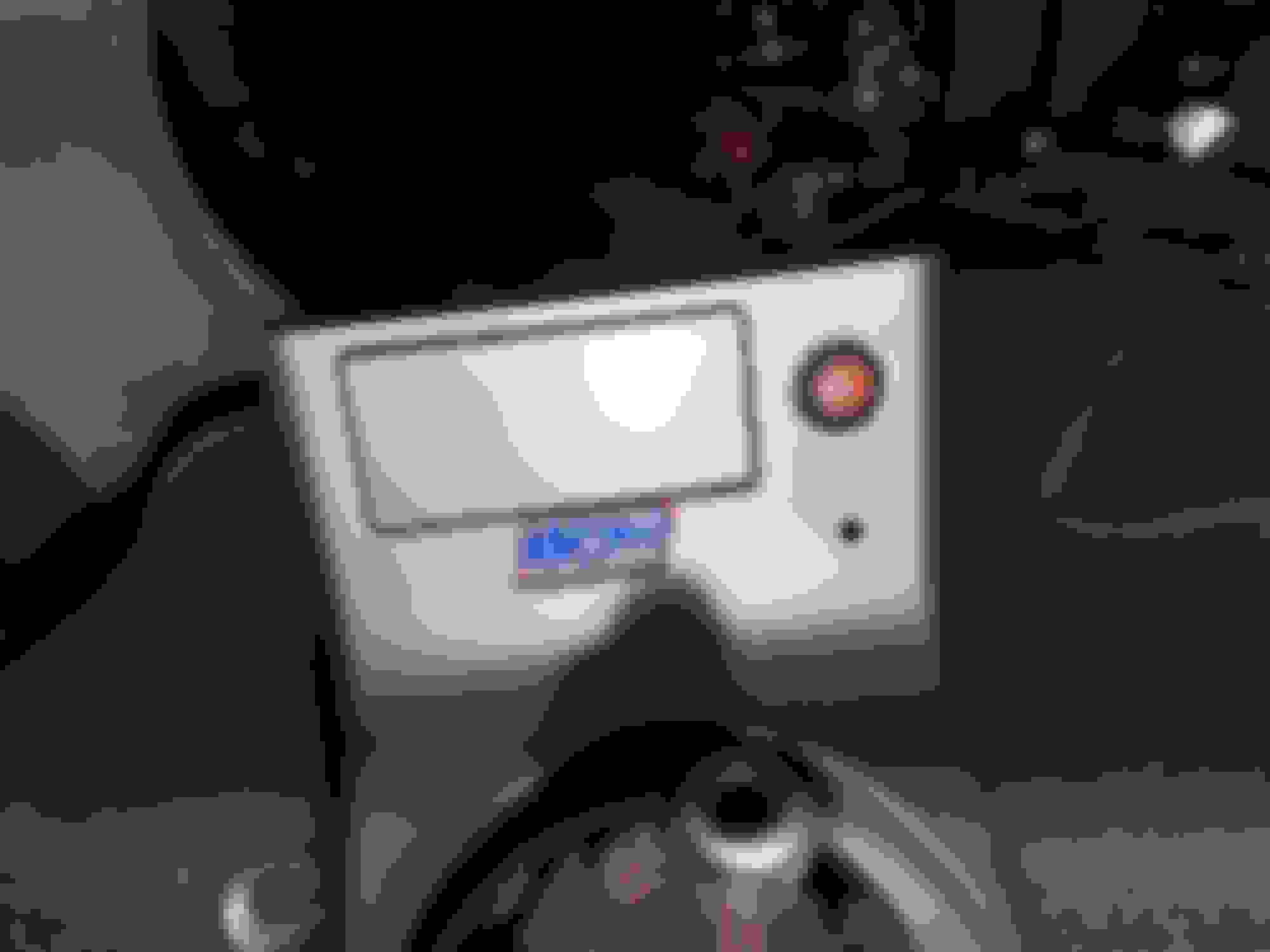
Yeah, I removed the Bose amp and the voice unit and I'm trying to mount my amp in that spot. The new amp is a little big though so I might have to trim the outer edge of the cover to fit.
I have new Focal components for the doors and new 6x9s for the deck
sounds nice, I went with Audison Voce series speakers (AV-K6) front and rear doors and (AV12) 2x subs in a custom box that fits under the deck so I still have some trunk space.
audidon bitOne hd virtuoso, 2x AV-Quattro amps for speakers (1 front and 1 rear) and AV-uno amp for subs. All connected using digital link cables.
6 rca’s from radio to the bitOne.
every speaker has its own channel so I can perfectly tune the system.
very complicated system but it sounds awesome.
can’t wait to have some free time to finally install the Audison bitPlay and interface it with the rest of the system.
Wow, that does sounds complicated. I had to look it all up, I'm new to this. .
i managed to get a start on my install today. Thanks to your help Ill be able to get to the wiring tomorrow
Wow, that does sounds complicated. I had to look it all up, I'm new to this. .
i managed to get a start on my install today. Thanks to your help Ill be able to get to the wiring tomorrow
-Andy
I do stereo stuff for a living in exotics mostly.
I get stuff for less then 50% of retail and I show my setup to customers so they can hear it and decide how far they want to go.
sold a couple $40k installs just because they liked how my car was setup and how clear and crisp it sounded.
I did my bosses car too just not as crazy as my car when we had a slow week.
Ah! That explains the fancy European equipment. Very cool.
how much sound deadening have you done in your car ? And how the heck did you get 2 subs under the deck? You have a 2006 sedan, right? I guess it has more deck than my coupe
Ah! That explains the fancy European equipment. Very cool.
how much sound deadening have you done in your car ? And how the heck did you get 2 subs under the deck? You have a 2006 sedan, right? I guess it has more deck than my coupe
this is the box my box was built after.
I have 2 12” component subs in that box with padding inside the box to make it feel a bit bigger inside then it actually is.
1 amp is running both subs. 4ohm coil, they both connected to amp and configured so amp sees a 2 ohm load.
the Quattro amps are 4 channel each.
Ch 1-2 run the tweeters and 3-4 run the woofers.
I did add tweeters into rear doors by drilling out a hole for them in the rear panels. Front tweeters are in stock location. 1 runs the front doors and 1 runs the rear doors.
all amps are configured by the bitOne processor using the digital lines (no rca or speaker wires).
I am going to add a fiber wire between the bitPlay and bitOne for audio and run a video rca to the controller that is tapped in between the stock nav drive and the popup display but haven’t got to it yet. I can control the inputs on the bitOne dsp using the Audison drc-mp controller.
im already thinking of replacing my alpine INE-W977HD radio with a newer model but haven’t got to that yet ether. Hoping a new model comes out soon.
edit:
I did add a rear cam and a front cam using the alpine direct cam switcher, radio is configured so if I go in reverse the rear cam turns on and as soon as I go out of reverse the front cam turns on for about 10 sec then the cams go off.
I still think I’m crazy for doing all this to an old car but I’m keeping her. There’s no real manual trans cars on the market that I like yet.
Last edited by romansan2008; Feb 20, 2022 at 09:48 AM.
I am pretty much done with the install, thanks to the help on here. I am stuck on setting up the handsfree phone controls on the steering wheel with the idatalink Maestro SW adaptor. I have control over volume, source etc on the HU, but can't seem to answer a call with the wheel controls - both phone buttons hang up an incoming call, neither will answer the call
Does anyone have any experience setting up one of these with the bluetooth handsfree steering controls? Here's my control mapping
Edit for follow up. I did manage to get this unit working with the Maestro but it felt a little bit random. I flashed the Maestro, tried it with the HU with both the preset and custom settings and couldn't get everything working. Re-flashed, then went back and forth on custom and preset modes on the HU and somehow managed to stumble across a combo that worked. It felt random tbh
Last edited by Coupe de Gray; Mar 3, 2022 at 01:03 PM.
I have watched so many YouTube videos to try to figure this out but I just can’t and I found this forum so I figured I might as well ask . I recently received my dash piece from the jdm v35 and all other parts required to install my double din. I have the PAC harness, Maestro sw, and a boss head unit. I wired everything together following your chart, the issue is when I give the car accessory power the head unit doesn’t start up, my theory is that the aftermarket amp that runs the subwoofer in my trunk from the previous owner may have something to do with it, or possibly I’m not grounding correctly.
I have watched so many YouTube videos to try to figure this out but I just can’t and I found this forum so I figured I might as well ask . I recently received my dash piece from the jdm v35 and all other parts required to install my double din. I have the PAC harness, Maestro sw, and a boss head unit. I wired everything together following your chart, the issue is when I give the car accessory power the head unit doesn’t start up, my theory is that the aftermarket amp that runs the subwoofer in my trunk from the previous owner may have something to do with it, or possibly I’m not grounding correctly.
Any help is appreciated
On your stereo wiring there should be a red wire which is the accessory power wire. Measure that for voltage when you turn the key to the ACC position.
From what I remember the stock head unit used its frame as a ground to chassis. So on your new stereo make sure u have the black wire grounded to one of the metal brackets around your stereo.
G35 sedan grey tinted windows. No rust or damage with low miles.
G35 Double Din Install
Was looking to install a double din radio this weekend and was reading these forums on how to wire up my pac. I noticed that in the “other connections” it says “tap at drivers kickpanel” which would be connected to the reverse signal. Do I need to connect these wires? Or is that just if I got a backup camera? Appreciate the help in advance.
Was looking to install a double din radio this weekend and was reading these forums on how to wire up my pac. I noticed that in the “other connections” it says “tap at drivers kickpanel” which would be connected to the reverse signal. Do I need to connect these wires? Or is that just if I got a backup camera? Appreciate the help in advance.
reverse wire you only need for backup cam.
if you not installing one then you don’t need it.
what year is your G and I’ll post pic of connections for you and where they are.
also If your car is a bose or not.
pics are for 2006 g35. Should be same but if not tell me your cars info and I’ll give you better diagrams. Also do you want to keep steering wheel controls?
G35 sedan grey tinted windows. No rust or damage with low miles.
Double Din Install
Appreciate the help on my other post. Installed the double din and originally didn’t turn on. Moved the ground and now it works but my sound is distorted and can barley hear anything even at max volume. If anyone can help point me in the right direction it’s greatly appreciated. I got the pac nis 2 with a pioneer radio and installed everything as directed.
I’m on my 3rd G35 I’ve needed this post for. Thank you a million again, Mr Wrathernaut 😄!
First 03-04 DE I’ve worked on. checking all the previous owner wiring. Based on the rest of this car everything needs double checked and I want to install my own “cruise switch” and “volume control” buttons since the race boy steering wheel deleted those. I’m thinking some console mounted momentary switches.
Appreciate the help on my other post. Installed the double din and originally didn’t turn on. Moved the ground and now it works but my sound is distorted and can barley hear anything even at max volume. If anyone can help point me in the right direction it’s greatly appreciated. I got the pac nis 2 with a pioneer radio and installed everything as directed.
the NIS2 has a little **** on it for individual speaker volume. Make sure yours are not turned all the way down for some reason .
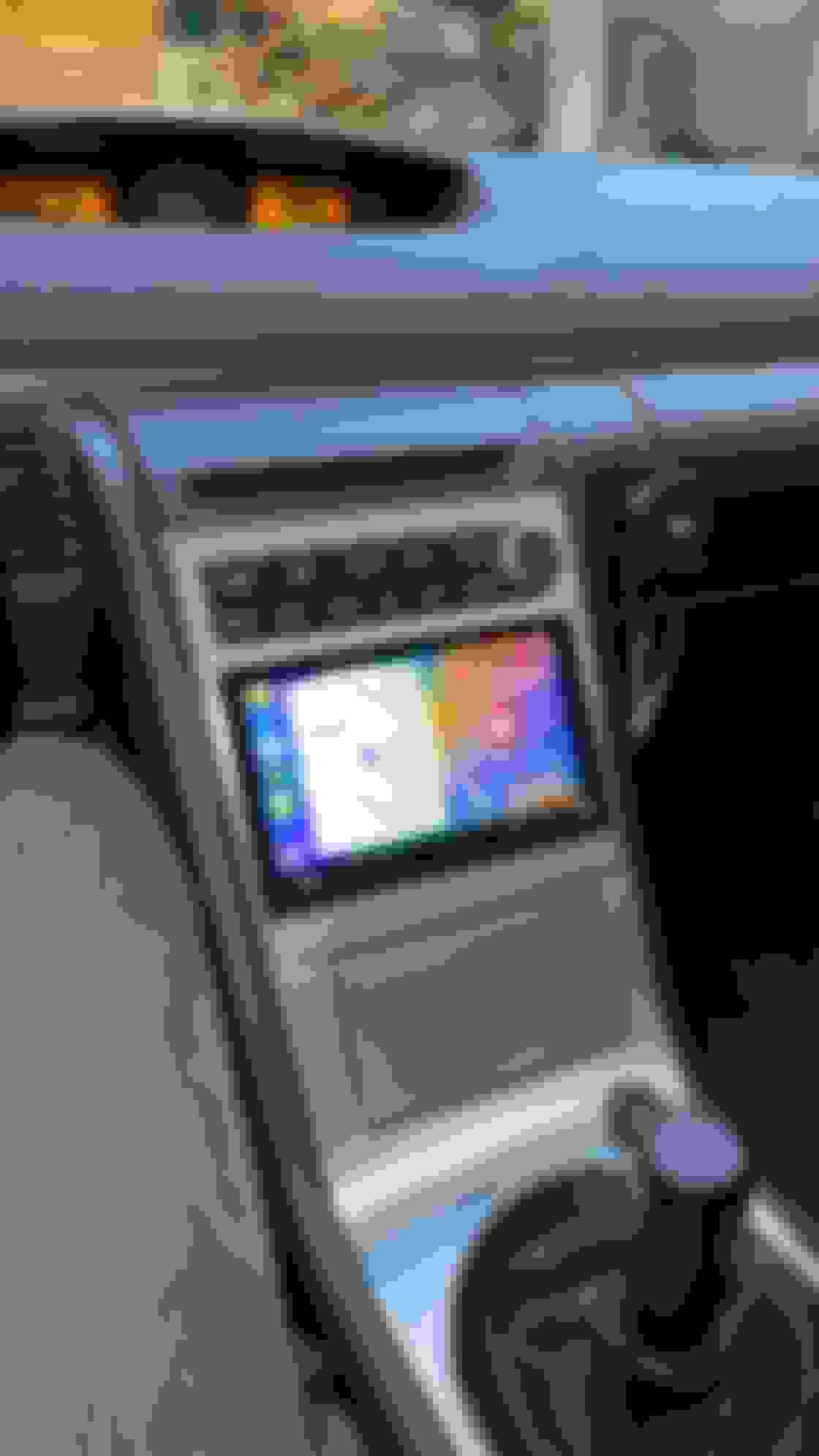
Used this guide for installing a Sony XAV-AX5500 with JDM trim in my 06 6MT with Bose.
Piece of cake with the guide. Used all the parts listed except for the SW controls, used the Maestro SW. Being able to flash it on your computer prior to install made it super simple. Also, I recommend foam tape to fill in the gaps around the headunit, used some at the bottom of mine.
Only thing I didn't complete was the rewiring for the Bluetooth module in the trunk, was on a time crunch. Other than the two call buttons on the SW everything works as it should.










 .
. 

 Successful Install