When you click on links to various merchants on this site and make a purchase, this can result in this site earning a commission. Affiliate programs and affiliations include, but are not limited to, the eBay Partner Network.
Adding a 3.5mm jack is the cheapest way to get a clear audio signal from your phone to your car’s stereo, without having to worry about distortion or interference with a cassette adapter or FM transmitter, aftermarket radio wiring, or expensive MP3 adapters.
The first thing is to remove the radio from the dash.
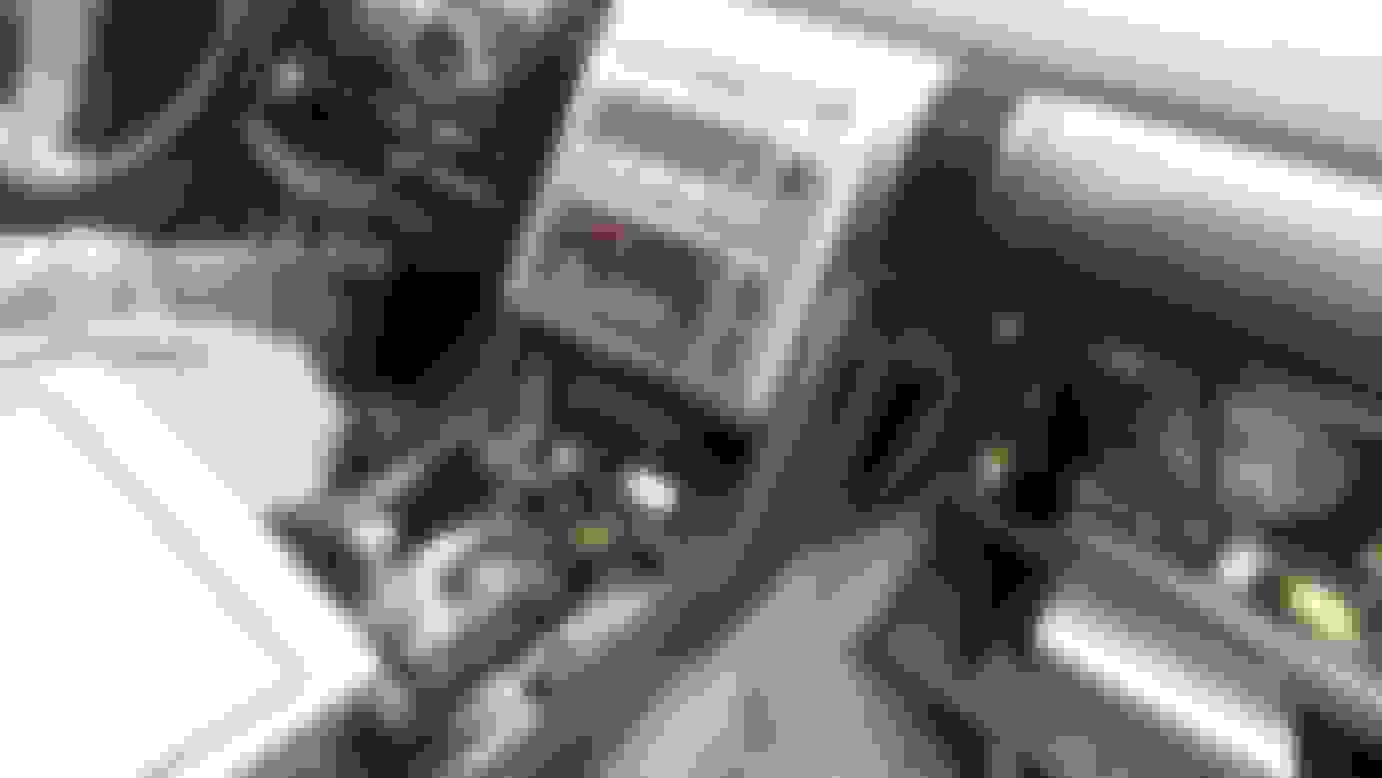
The console lid, radio side trims, driver’s lower footwell cover (under the steering wheel) glovebox and clock need to be removed to get at the radio screws:
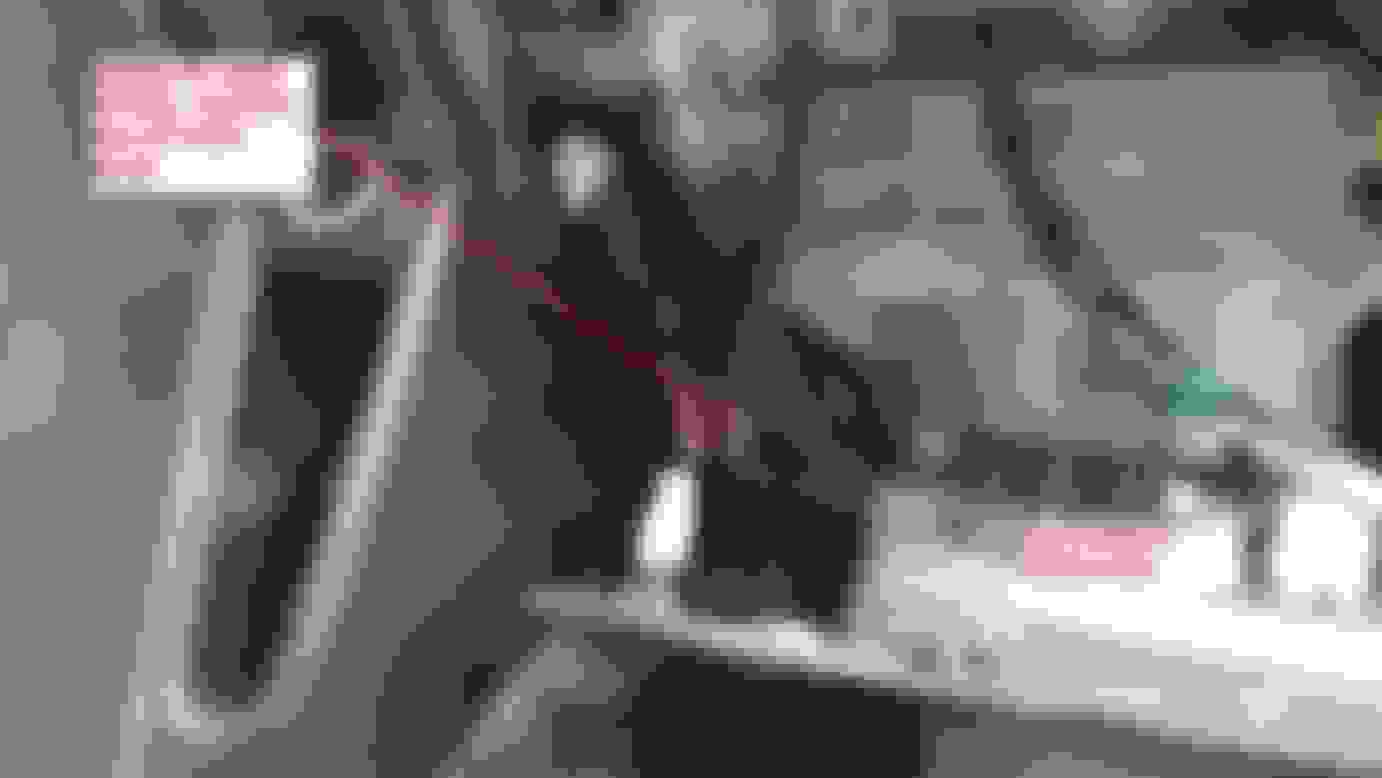
The side panel screw on either side is hidden behind the glove box and driver’s footwell panel:
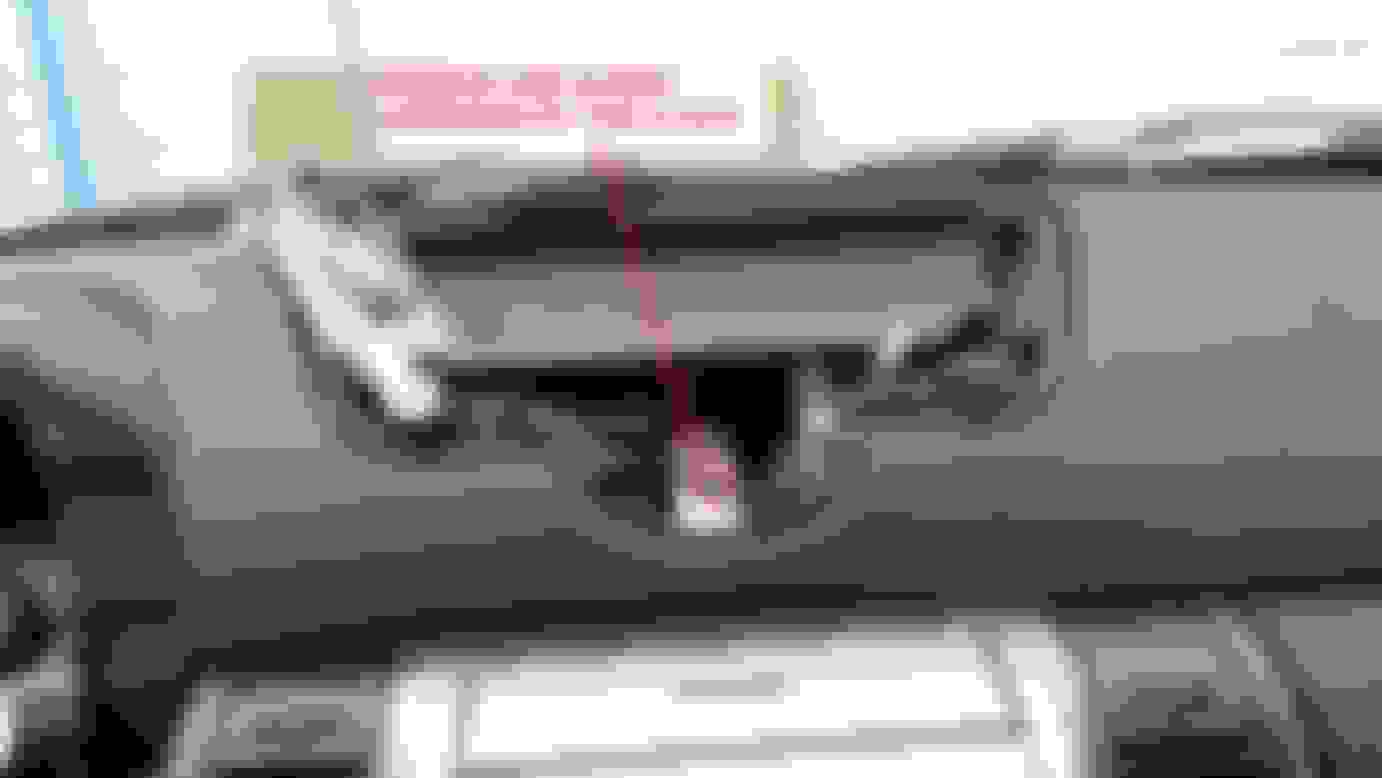
One screw behind the clock:
Two screws below the radio:
Then disconnect the radio. If you have navigation, its heavy:
Begin to remove all the screws to take apart the headunit:
Remove the GPS or storage cubby and separate the radio face:
Remove all the screws from the stereo casing:
The 6 CD changer:
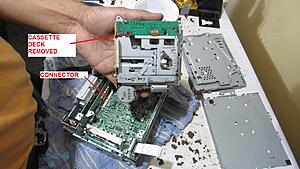
The cassette deck:
This radio has three main inputs, the radio, the cassette and CD:
Flip the board over and you can see the connector solder points that we are going to wire a 3.5mm headphone plug to. On this radio, it’s a direct connection since they are all analog inputs:
For the cassette deck, the left, right and ground are clearly marked. You’ll need a blank cassette tape to trick the stereo into thinking there’s a cassette in the drive and read from that source. The sound will still be clearer than using a regular cassette adapter because it doesn’t have to go through mechanical conversion to the magnetic tape stripe. Furthermore, the head from the cassette player can be disconnected to rid of the hiss noise that the blank tape may create:
For connecting through the radio lines, the right, left and ground channels are clearly marked under the tuner. Simply solder to a 3.5mm jack, and the audio from your device will simply override the audio from the radio tuner:
For connecting to the CD changer, the Left, right and ground channels are clearly marked. In fact, the ground is common for all three inputs. The CD drive will require a CD with a silent CD track burnt on it to play in order to trick the headunit into reading from the CD drive. It will also work with a CD that has music on it, though it could mess up the audio system when you disconnect your phone, so a silent CD is recommended.
I soldered wires to all three inputs and routed them out of the case to test inside the car:
Here is the completed “harness”:
The heart of this aux hack is a 3.5mm cable which you can get from the dollar store for $1. You can also get a female jack and bolt it to an interior trim panel, such as the radio face or center console. The 3.5mm plug has left, right and ground wires that connect to the respective wires soldered earlier.
Plug everything into the dash and try out each input.
The CD player method worked the best, followed by the radio. The cassette player method didn’t work directly due to the jack detection on my phone not detecting headphones were plugged in, though I did hear a static pop when I plugged it in so I’m sure it’ll work with other MP3 players.
Enjoy!
Last edited by speedkar9; Mar 4, 2019 at 06:02 PM.
Dang really great photos. I'll try and save them at some point so we don't lose them. I just installed an iPod interface kit for $40 and it's easily removed. If I had more time I'd do your option though.
Amazing post, thanks. Not only did I move this to the A/V section I stickied the ****. It's that good!
Originally Posted by Urbanengineer
Dang really great photos. I'll try and save them at some point so we don't lose them. I just installed an iPod interface kit for $40 and it's easily removed. If I had more time I'd do your option though.
So, does the CD player still work if the aux cable isn't being used? My G35 is a 2006 so no cassette option, but would like to retain use of CD player if I was to do this hack